A duration estimate (also called time estimate, task length estimate) is a property you can add to a task that describes how long you think it will take you to complete a task.
How to add a duration estimate to a task
Using the "~" input shortcut
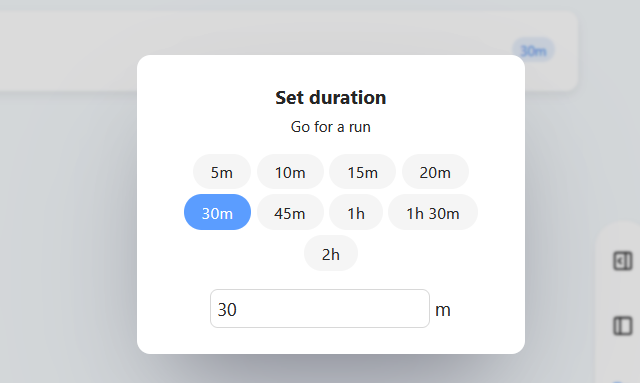
Using the "Set duration" button in the right-click or the hover button menu
You can add an estimate to a task in a few different ways:
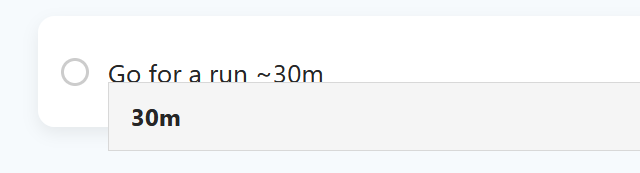
Use the shortcut ~ or ca. followed by the time estimate (e.g. 5m, 20m, 1h etc.) either during tasks creation or afterwards while editing the task title.
To edit a task title, click on the title to highlight the entire text and then click again or use the arrow keys to position the cursor.
For Marvin to recognize the time estimate make sure there is a space before and after the estimate.
How to see your estimation totals
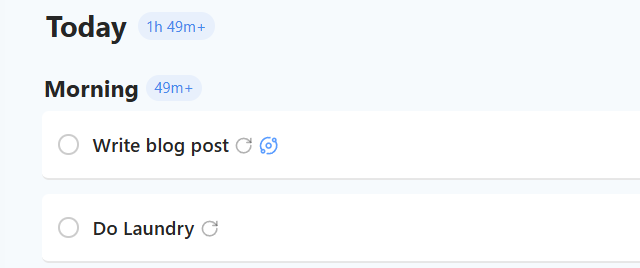
At the top of your daily list you will see the total for your tasks estimations.
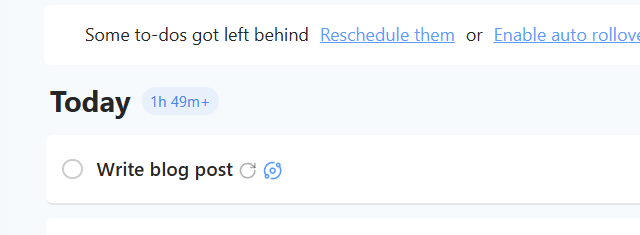
If not every task in that day has a time estimate there will be a plus at the end of the total to tell you that the actual total is even higher than what is displayed.
Using sections
If you are using sections to organize the tasks in your day, you will get a separate estimation total for each section and the overall total at the very top.
Clicking on the duration estimate
In the strategy settings you can choose what happens when you click on the duration estimate:
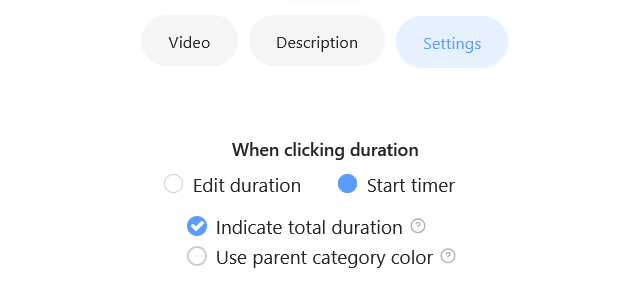
By default, this is set to "Start timer" which starts a timer. If you change it to "Edit duration", you'll get a dialog that lets you quickly change the duration estimate to another one: