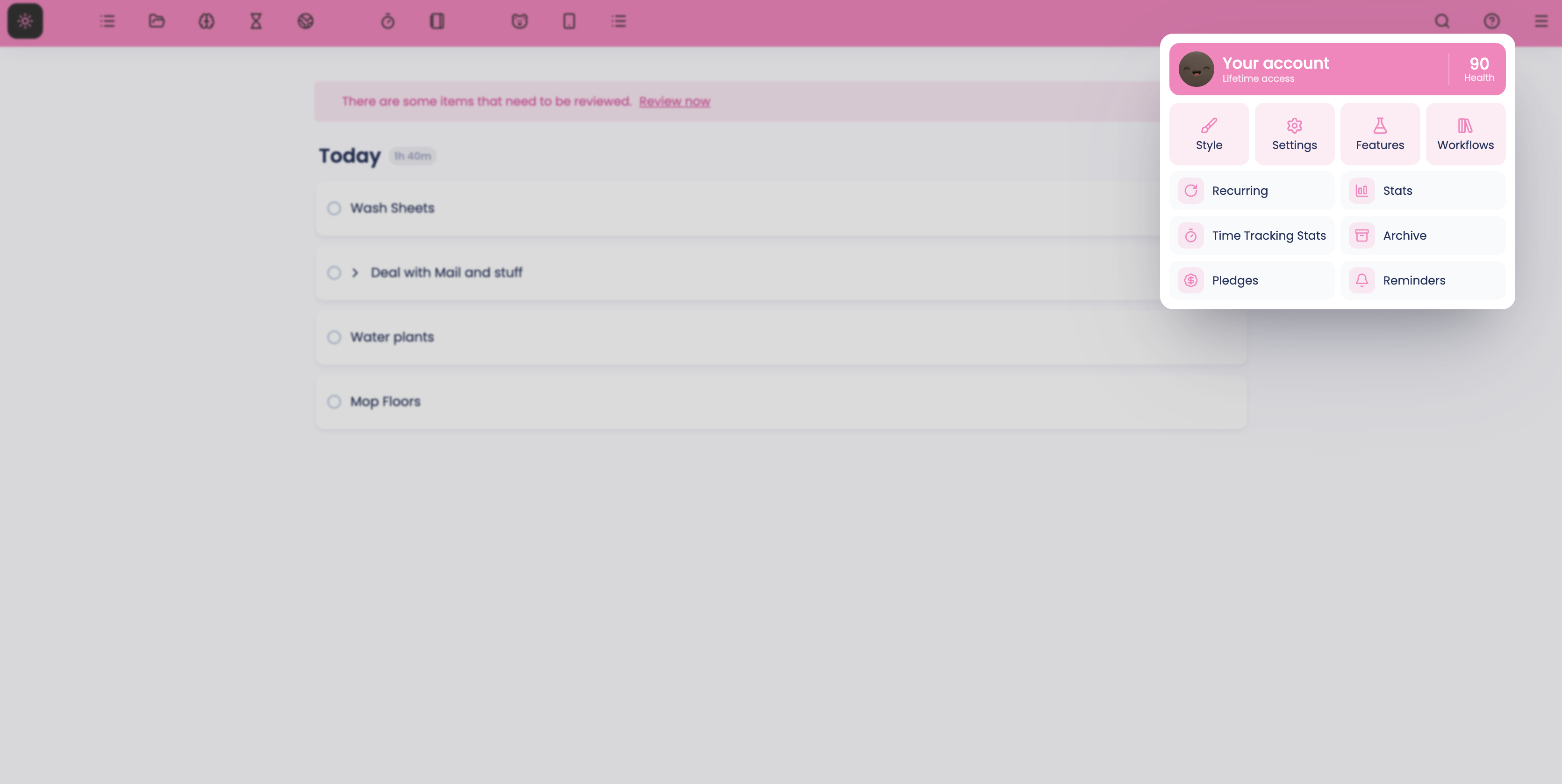
The main menu button (☰) by default is the last position in the skinny sidebar (the thin menu bar with icons on it).
You can set the skinny sidebar to be on top, left, bottom or right. So the main menu is usually on the bottom left of the screen or the top right (left or top position for skinny sidebar are most common).
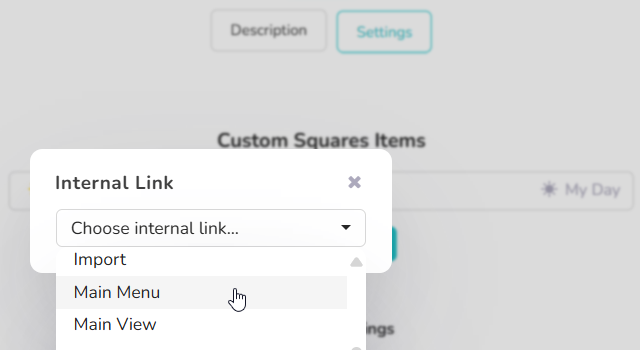
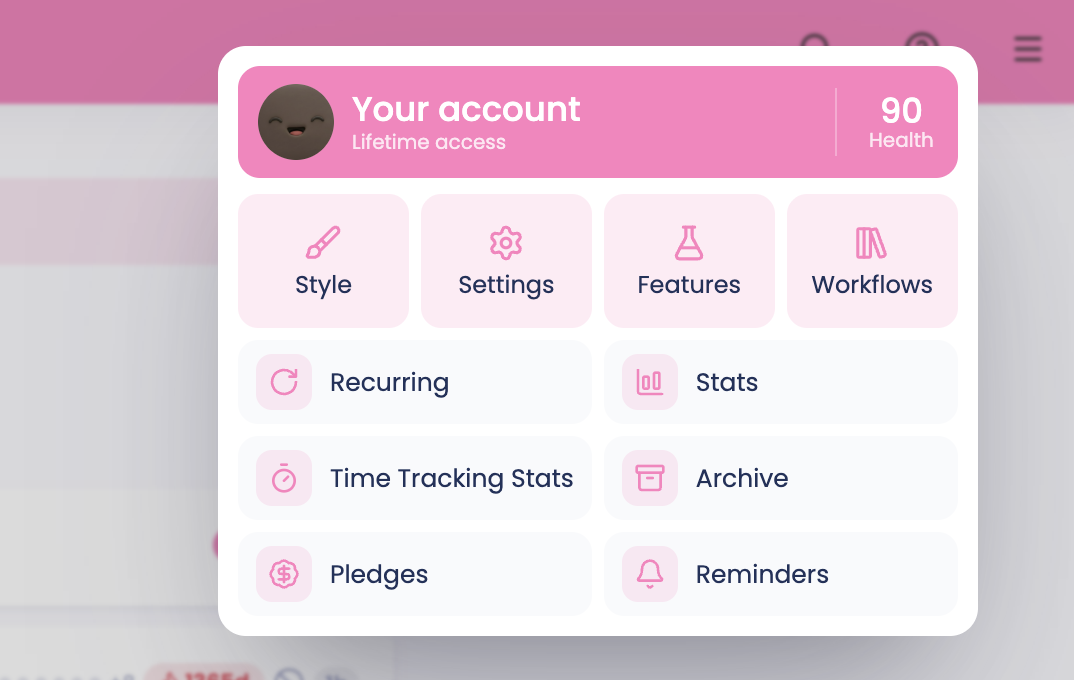
To access the main menu:
Look for the hamburger icon (☰) in the bottom-left corner of your screen
Click the icon to open the main menu
Adding the Menu Button to other navigational elements
If you prefer having the menu button elsewhere, you can add it to:
To add the menu button to one of these strategies:
Go to the Strategies/Features view (press S on your keyboard)
Find the strategy to which you'd like to add it, and enter its settings
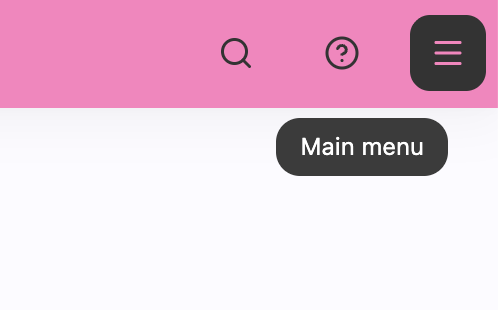
Click on the "Add new item" button
Choose "Internal Link" and then "Main Menu"
Enabling the Skinny Sidebar
If your Skinny Sidebar is disabled and you can't see the menu button:
Press the S key on your keyboard to open the Strategies/Features view, then find and enable the Skinny Sidebar strategy.
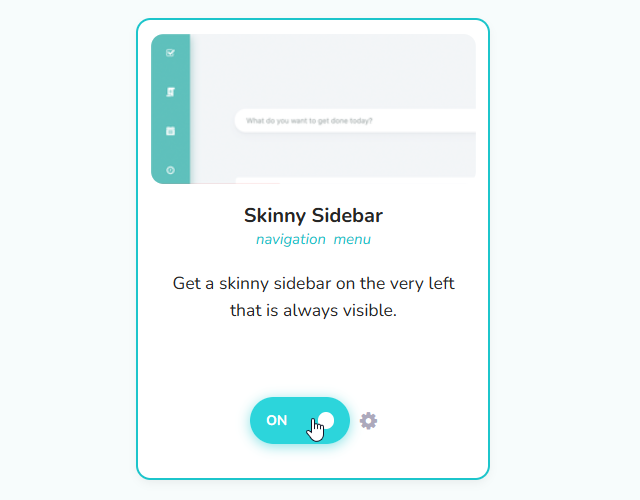
Alternatively: Press the spacebar to open Quick Add, type _skinnySidebar, and press Enter/Return to enable it.
If you enable the skinny sidebar and set it to be displayed on the top, the position of the main menu will be like before.