In the recurring task settings, click More options and pick the section under Put it in. To open the settings, click the recurring icon next to the task's title, or open the main menu, click Recurring, and click the pencil.
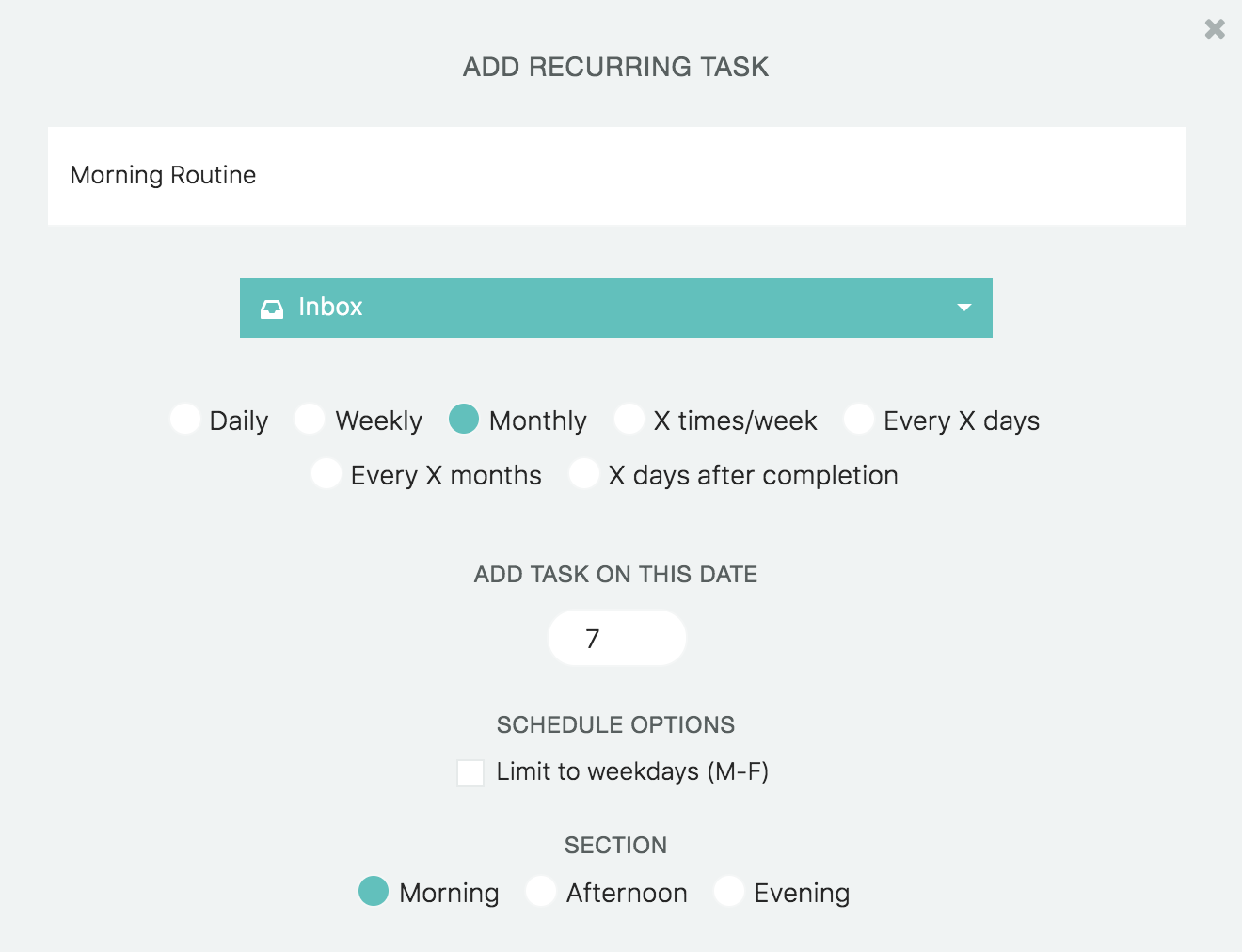
Sections must be currently enabled
You can only pick from the sections that you have currently enabled.
However, it saves all your picks.
So if you frequently switch between using the "Break the day down" and "Custom sections" for example you can turn each strategy on and go set the section for your recurring tasks.
When you switch your section strategy in the future, the recurring tasks will always know where to go.
Assigning recurring tasks to time block sections
It is currently not possible to assign recurring tasks to time block sections. This is because time block sections are "dynamic" and changing from day to day.
But this will be possible in a future update as we launch the new and smart time blocking system.