Week View shows your whole week with tasks under each day, so you can plan and move things around. Open it from More > Week View.
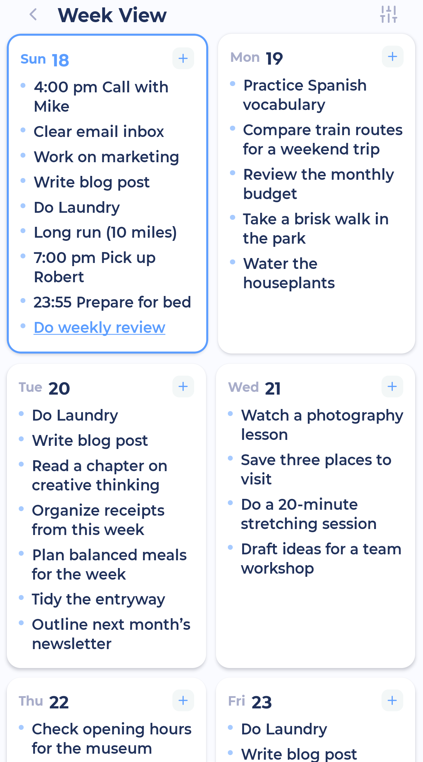
Drag a task to another day to reschedule it.
Tap Add or find a task... to add a task or find one to schedule.
Tap the sliders button at the top right for Rolling view, which starts the week from today instead of your week start day.
Turn your phone sideways to see the week as a board.
You can also open a week by tapping the week number in the week strip on My Day.