Visual cues like emojis help your brain process information faster and make task lists more engaging.
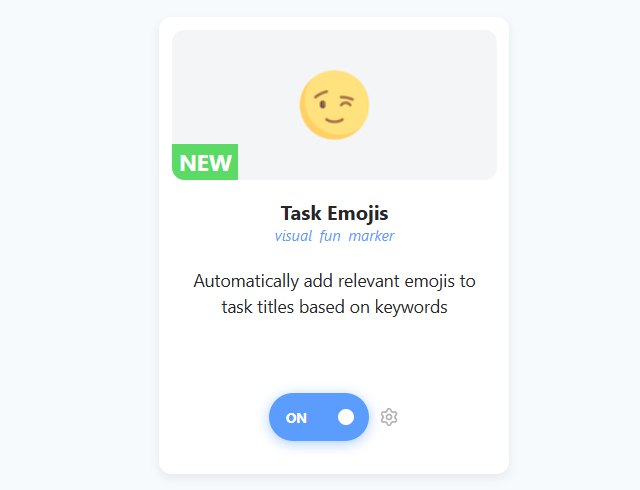
The Task Emojis strategy automatically analyzes your task titles and adds relevant emojis at the end based on common keywords. It’s a great way to add a bit of personality to your daily tasks and make them feel less mundane.
How to enable
To enable this strategy, go to ☰ → Features/Strategies → Task Emojis.
How it works
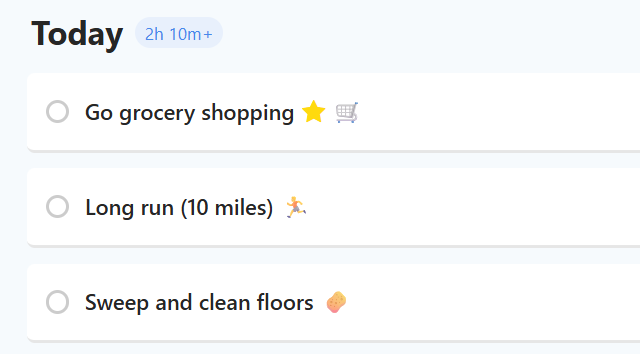
Once enabled, Marvin looks for keywords in your task titles. If it recognizes one, it shows a matching emoji at the end of the title. Your title itself is not changed, so if you turn the feature off, the emojis go away again.
For example:
"Call John" becomes "Call John 📞"
"Buy groceries" becomes "Buy groceries 🛒"
"Walk the dog" becomes "Walk the dog 🐕"
Who is this for?
Perfect for users who like visual elements and want to make their task lists more colorful and easier to scan at a glance.
Why use this strategy?
This strategy is perfect if you like visual elements in your workflow. By associating tasks with visual icons, your lists become more colorful and easier to scan at a glance.
But no worries, if you prefer a cleaner look, you can leave this strategy off. It is designed specifically for users who want to make their planning a little more fun!
Settings
In the strategy settings (click the gear icon on the strategy card), you can customize how this feature behaves:
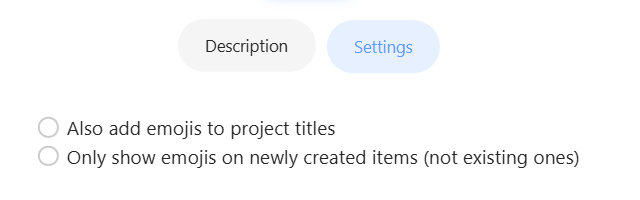
Also add emojis to project titles: By default, emojis are only added to Tasks. Check this option if you want your Projects to get the automatic emoji treatment as well.
Only show emojis on newly created items: Enable this if you want to preserve your current list style. When checked, Marvin will only add emojis to brand new tasks you create, leaving your existing tasks untouched even if you edit them.
Also add emojis to project titles: show emojis on projects too, not just tasks.