The Previously Scheduled filter helps you find tasks based on their scheduling history in Marvin. This is useful when you want to see items that were once on your calendar or Today list or identify tasks that have never been scheduled.
How it works
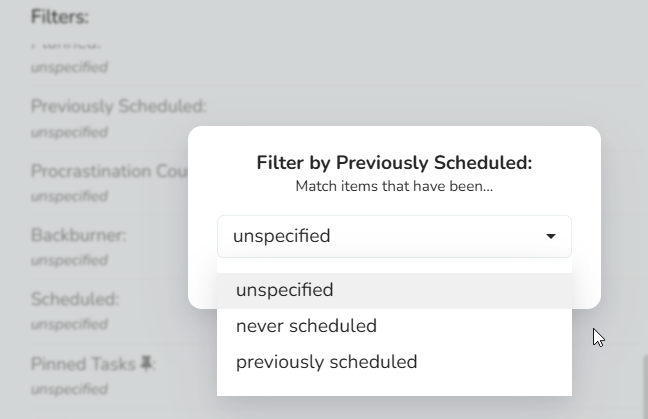
When creating a Smart List, you can add the Previously Scheduled filter and choose from three options:
unspecified: Shows all tasks regardless of their scheduling history
never scheduled: Shows only tasks that have never been scheduled in Marvin
previously scheduled: Shows tasks that have been scheduled at least once, even if they're not currently scheduled, or tasks that are currently scheduled
This filter is particularly helpful when you want to:
Find tasks that fell off your calendar
Identify tasks you've never attempted to schedule
Advanced filter equivalent
If you're using advanced smart list filters, you can achieve the same filtering using the *hasBeenScheduled expression.