Marvin saves everything on your phone first, so it works without internet. When you're online, your changes sync with your other devices.
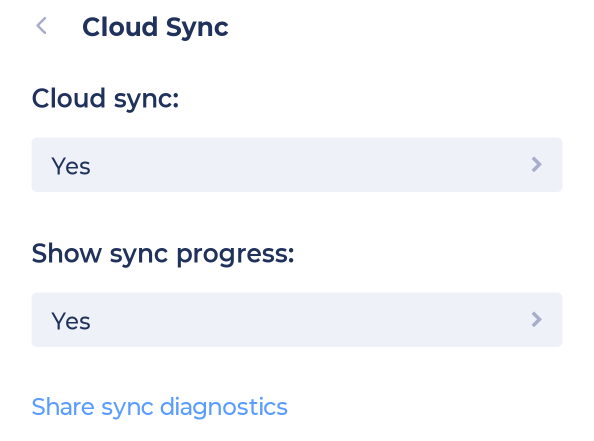
Open the sidebar, tap Account & Settings, then Cloud Sync (under Data).
Cloud sync: keeps your phone in sync with your account. Leave this on.
Show sync progress: shows sync progress.
Share sync diagnostics: sends us information about your sync. Use this if we ask for it while helping you with a sync problem.
Having trouble? See Troubleshooting sync.