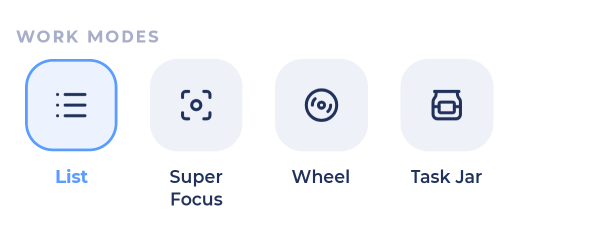
Work modes help when you can't decide what to do next. Open them from ⋮ in My Day, a list, or inside a project in the Master List. You'll see the ones you've turned on in More > Features.
Task Jar
Your tasks go into a jar and Marvin pulls one out for you. Needs The Task Jar feature.
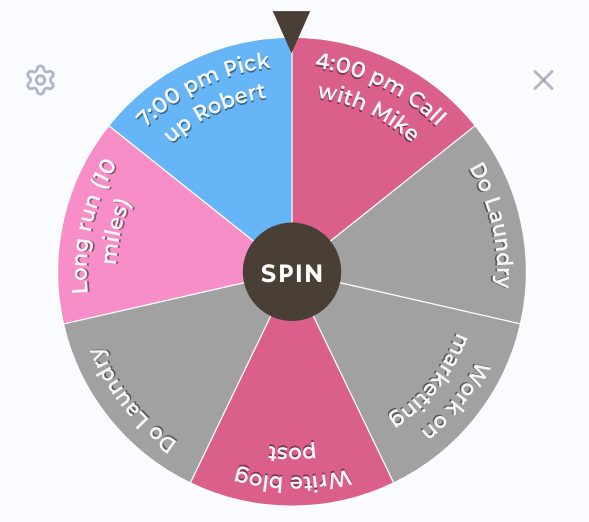
Wheel
Spin a wheel of your tasks and do the one it lands on. Needs Spinning Wheel. You can turn sounds on or off and have time tracked automatically in its settings.
Random Task
Shows you one random task from the list.
Suggested
Shows you the task Marvin suggests you do next.
Truncate
Shortens a long list so you only see a few tasks at a time. Needs Truncated List. Choose how:
Top up: always show a few, adding more as you finish
Sets: work in sets
Random, Suggested, In order or Custom
Tap Return to full list to see everything again.
Super Focus
See Super Focus Mode.