If you ever wish to copy a project, together with its tasks, into another app such as Microsoft Excel, you can do that using the Copy action which can be found in the bulk editing menu.
To copy an item, just ctrl/shift-click it which will open the bulk editing menu on the top where you'll see the "Copy" button:
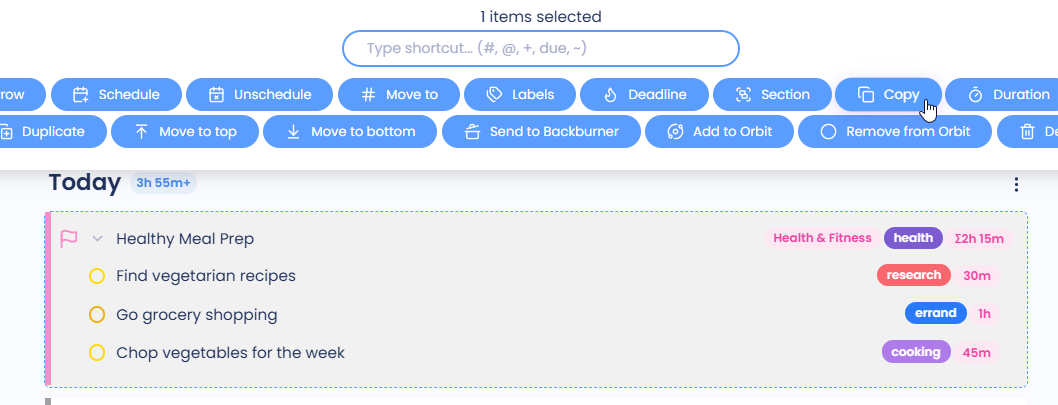
When you click on the "Copy" button, Marvin will save the selected items to your clipboard.
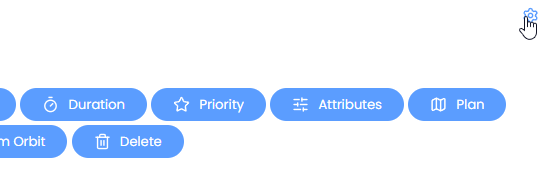
In case your bulk menu is missing the "Copy" button, you can add it by going to ☰ → Features → Bulk Operations (settings) or by clicking on the cog/edit button in the top-right corner of the bulk menu:
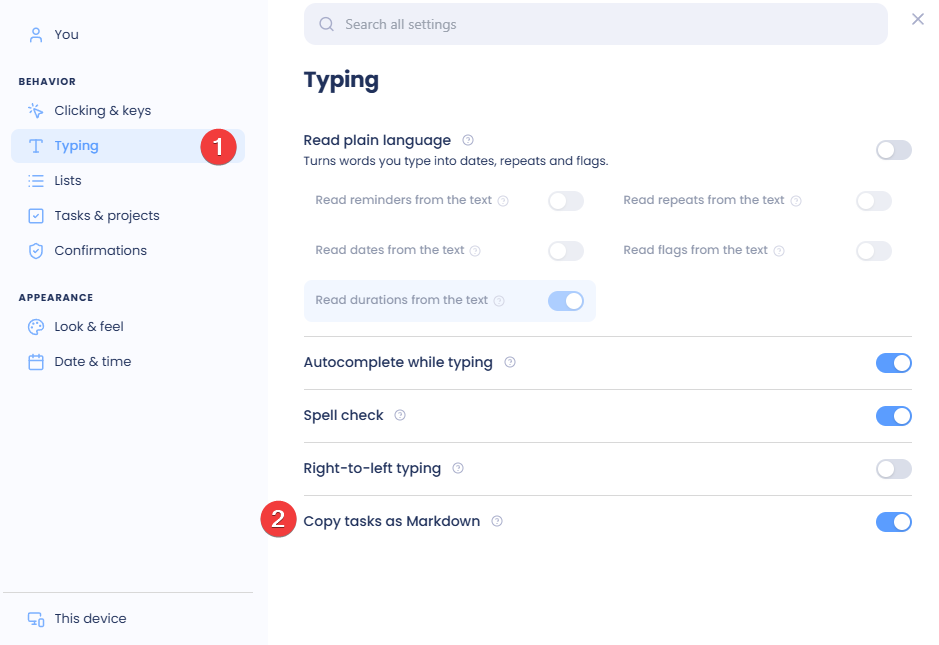
If you wish to paste these tasks and projects into a Markdown file, you'll probably want to save them as a task list. To do that, go to ☰ → Settings → Typing and enable the "Copy tasks as Markdown" setting: