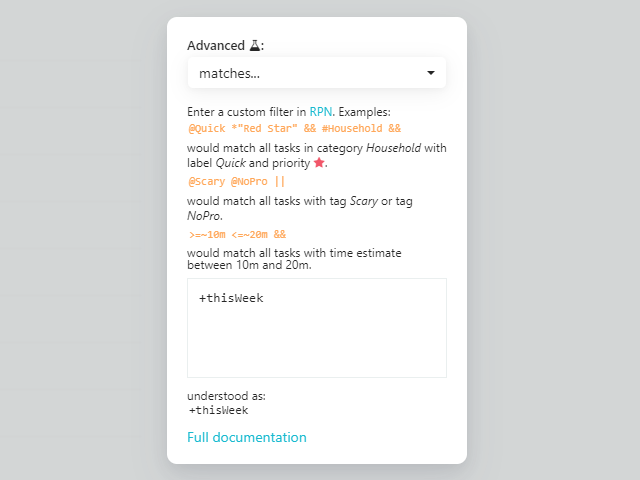
In the Smart List dialog, select the advanced filter at the very bottom of the filters list.
Then select "matches" from the dropdown menu and add the following to the input field before saving.
+thisWeekWhat this smart list does is compare the schedule/do date of the item with the dates that mark the start and the end of the current week.
Also, don't forget to set Backburner: Not on Backburner if you wish this list not to include the tasks that are on the Backburner.