Labels are tags you can put on any task, like @phone, @errands or @low-energy. A task can have many labels.
Needs the Labels (Tags) feature.
Adding labels to a task
Tap the Labels pill when adding or editing a task. Search, tap to select, or Create Label.
Or type
@and the label name in the title, like@errands.
Seeing all tasks with a label
Managing labels
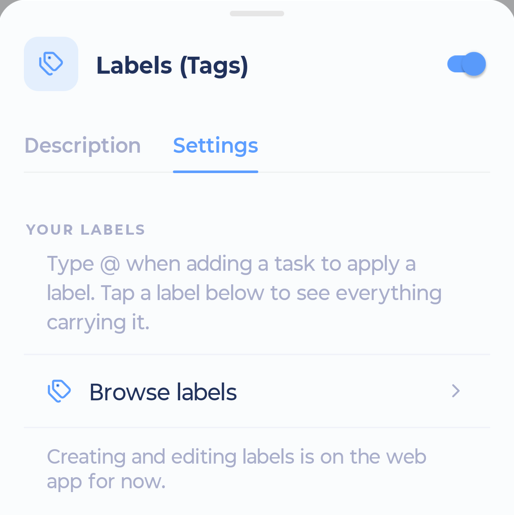
Open the Labels screen (from a Labels tab in the sidebar or the Labels feature card in More > Features). Tap a label to see its tasks. Tap + to add a new label.
Label groups as swipe actions
A label group can be a swipe action, so you can label tasks with one swipe. See Swipe actions.