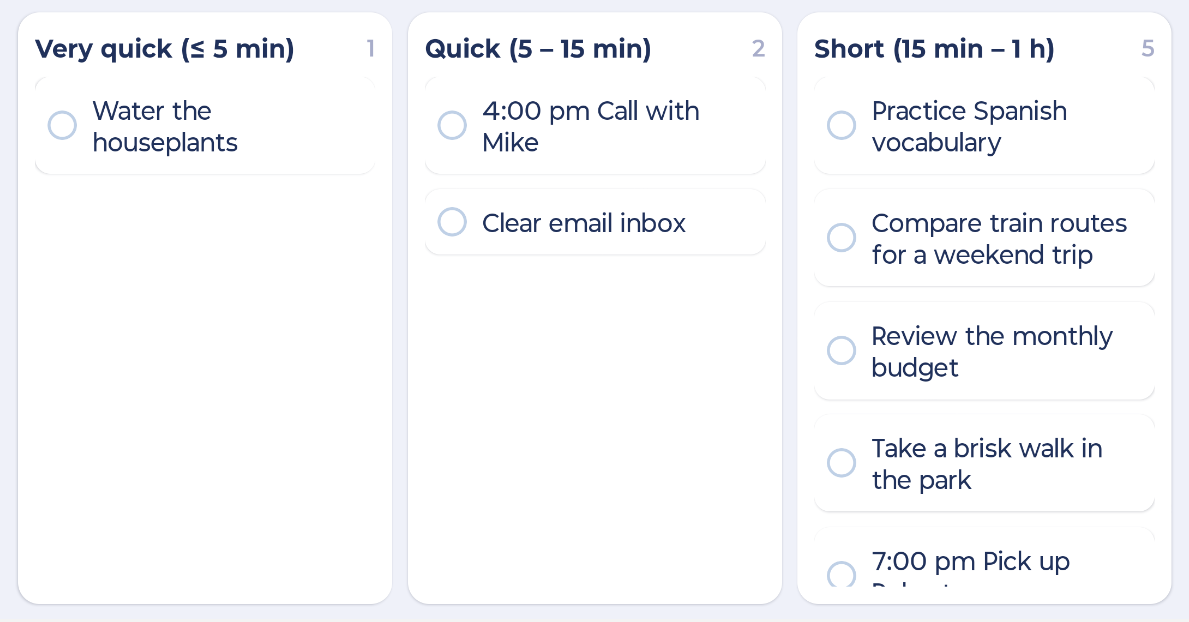
Turn your phone sideways on a grouped list and it becomes a Kanban board, with one column for each group.
Needs the Landscape Kanban feature (in the Mobile group in More > Features).
Using it
Open a list and group it: ⋮ > Group by (for example by Priority, Label or Morning / afternoon / evening).
Turn your phone sideways.
Drag cards between columns. Moving a card changes its group. For example, moving a task to the "High" column gives it high priority.
Turn your phone upright to go back to the normal list.
Week View and the Habits table also use the extra room when you turn your phone sideways.