Getting into the zone can sometimes be tough, especially if you are working in a noisy environment. The Focus Music strategy helps you mask distractions and improve concentration by playing targeted background tracks, like nature sounds or white noise, directly within Marvin.
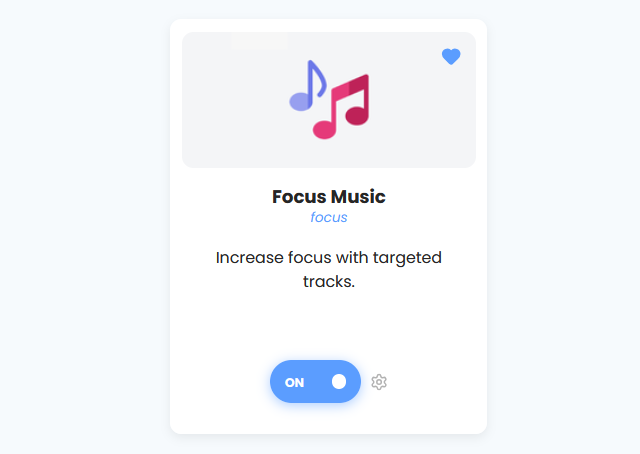
How to Enable
To enable this strategy, go to: ☰ → Features → Focus Music
How to Use Focus Music
There are two ways to use this feature: you can toggle the music manually or have it play automatically when you start working.
Manual Control
You can start and stop the music anytime by adding the Focus Music button to your sidebar, skinny sidebar, or header.
Once added, simply click the Music Note icon to toggle the sound on or off.
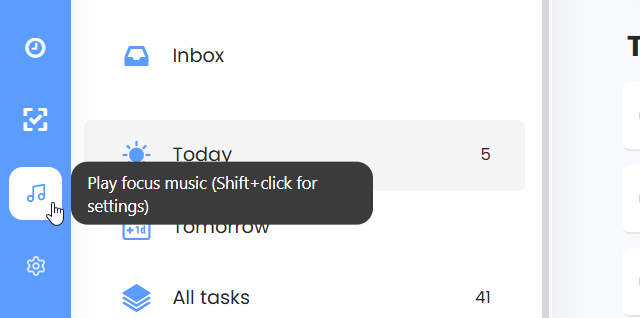
Hint: You can Shift + Click the music button to instantly open the settings pop-up without navigating to the main strategy menu.
Auto-play Settings
To make it easier to get into the flow, you can set the music to start automatically based on your actions.
In the strategy settings, you can enable:
Auto-play when starting a timer: The music will start automatically when you begin a Timer for a work session (it will not play during breaks).
Auto-play when entering focus mode: The music starts as soon as you enter Super Focus Mode.
Auto-play when tracking time: The music starts whenever you begin tracking time on a task.

Settings & Customization
You can customize the audio experience to suit your preferences. Go to ☰ → Features/Strategies → Focus Music (or Shift + Click the music icon) to access these options.
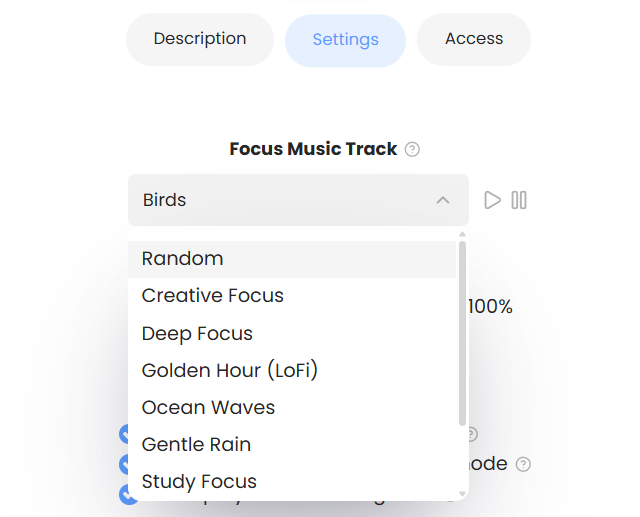
Focus Music Track: Choose the specific sound you want to hear (e.g., "Birds").
Volume: Use the slider to adjust the volume level between 0% and 100%. This is separate from your system volume, allowing you to mix it perfectly with other audio.