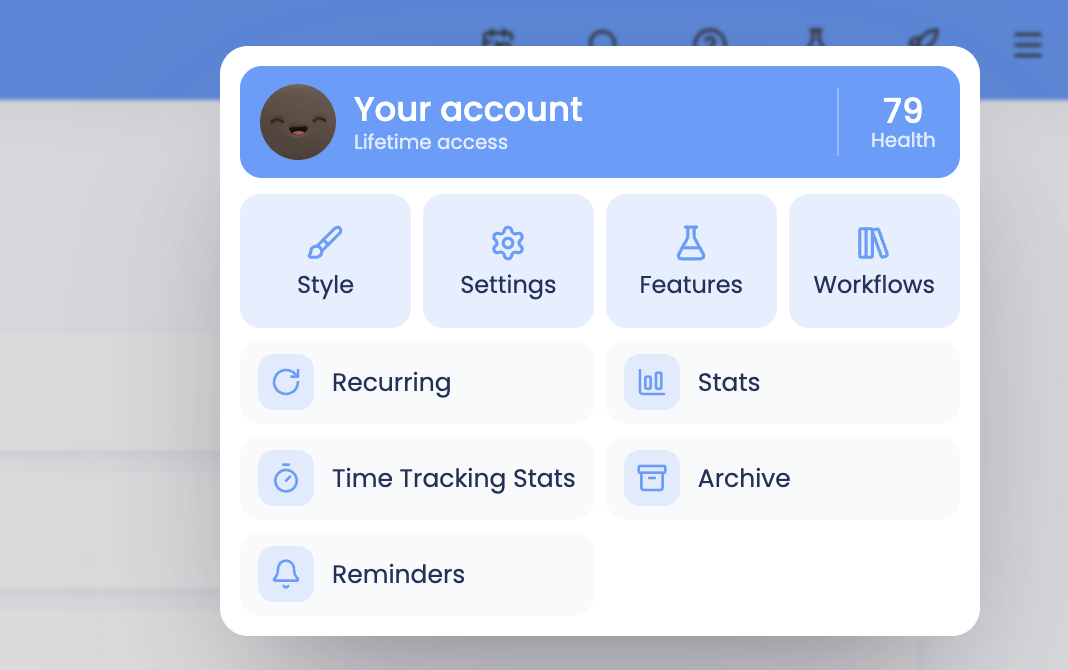
The super focus mode is a helpful way to get your daily list done without distraction and you can enable it by going to ☰ → Features/Strategies → Super Focus Mode.
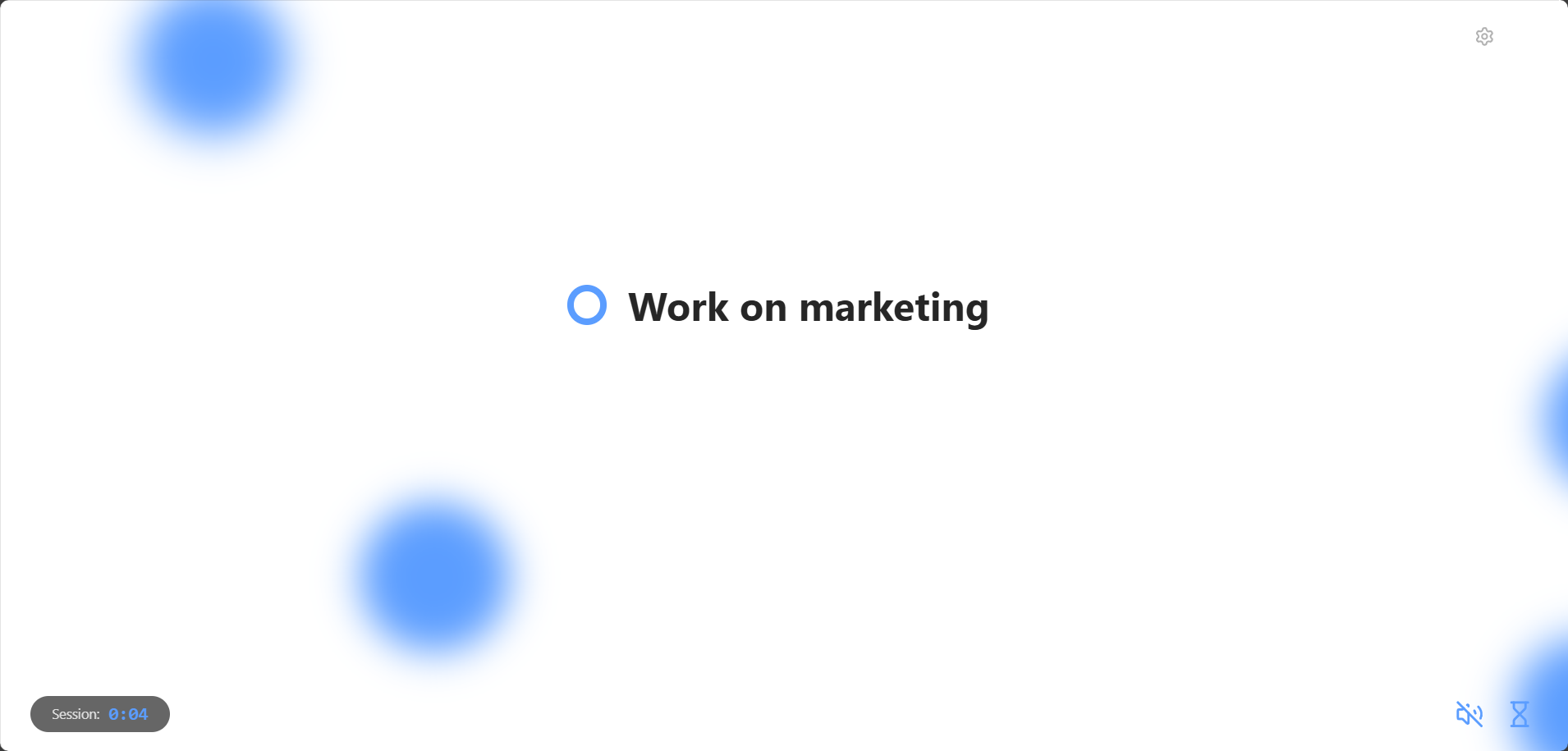
In super focus mode, you can only see one task at a time. This helps you to focus on the task at hand without being distracted by any of the other tasks you have planned for your day.
Opening the super focus mode
To switch to super focus mode, open the ⋯ menu at the top right of your list and click Super Focus:
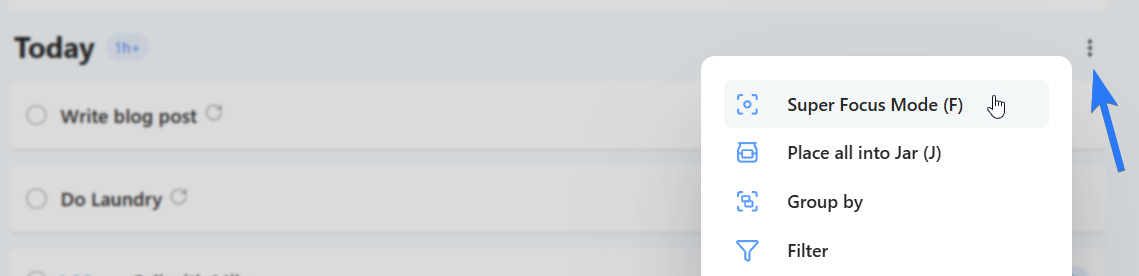
You can also use the shortcut "F" on your keyboard.
Marking tasks done
Once you've finished the task, click the checkbox or press "D" or the return key on your keyboard.
The task will be checked off on your list and moved to "completed tasks".
The next task automatically appears
Skipping tasks
To skip a task, click the skip button at the bottom right or use the left and right arrow keys on your keyboard to navigate through the tasks.
The tasks loop around, so if you reach the end of the list it will go to the first task again.
Subtasks and projects
With Show subtasks one at a time turned on, a task's subtasks show up one by one, so you only see the next step. If a project is in your list, you see its tasks one at a time too.
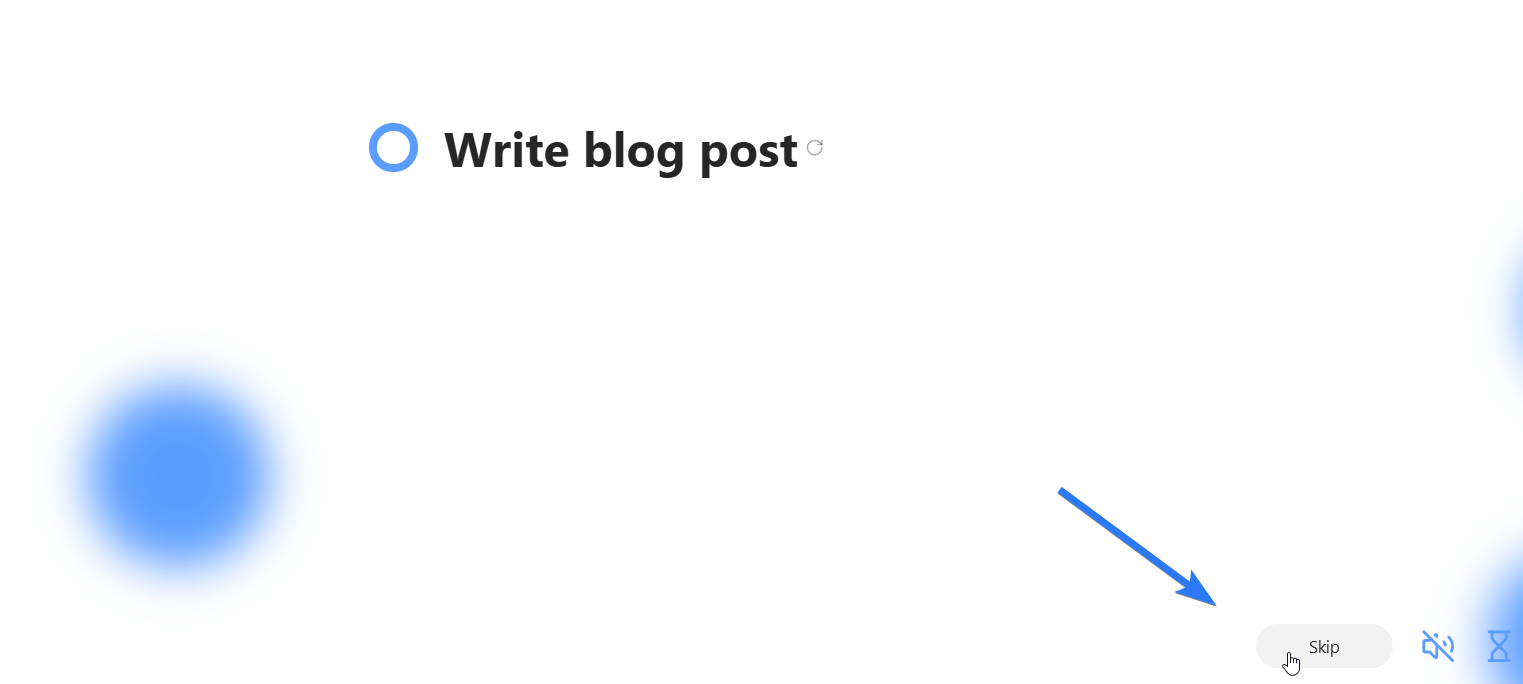
Showing encouraging cheers
In the strategy settings that you can open from the top right corner (cog button next to X), you can enable the "Show encouraging cheers" setting. When enabled, Marvin will show a random encouraging message for each task you work on in this mode.
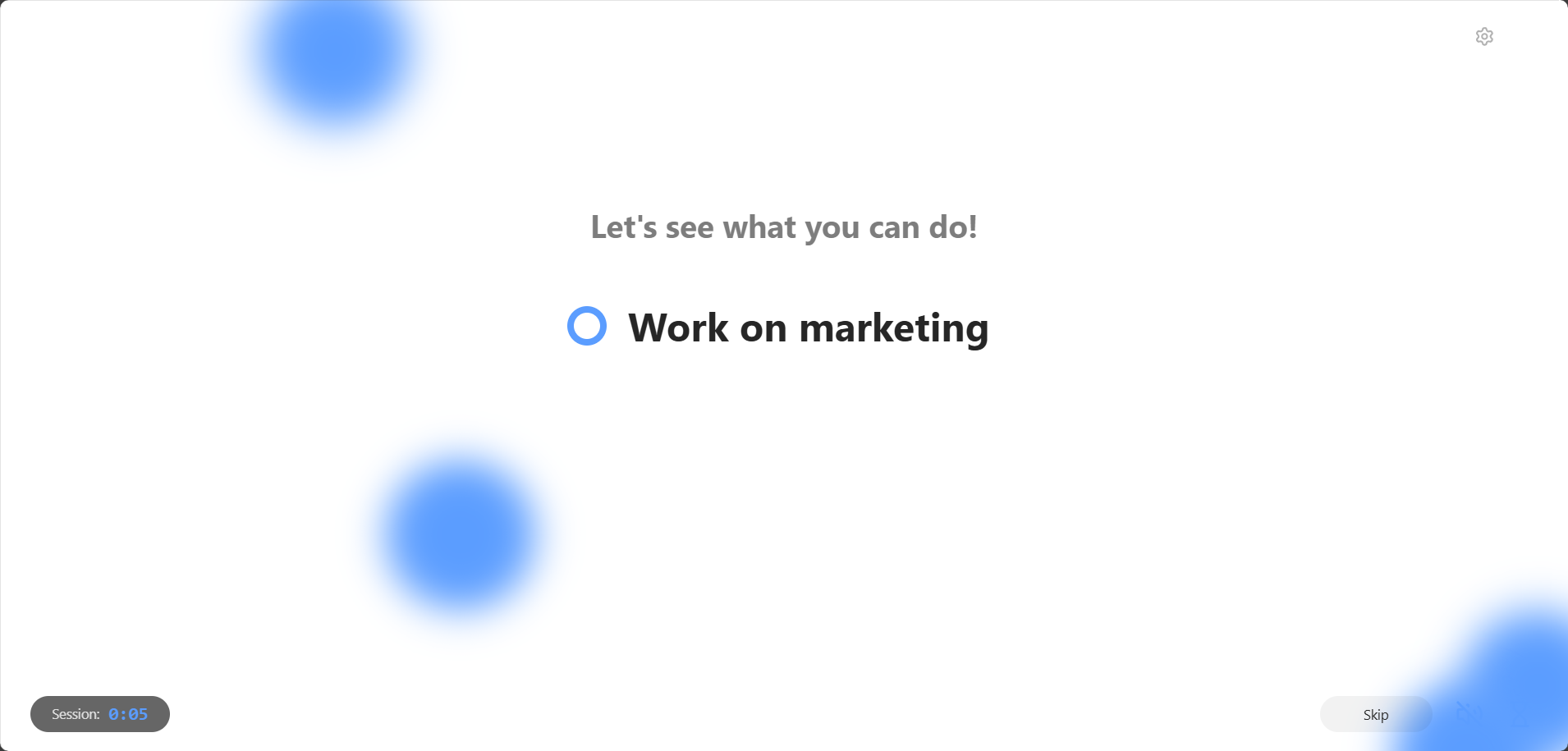
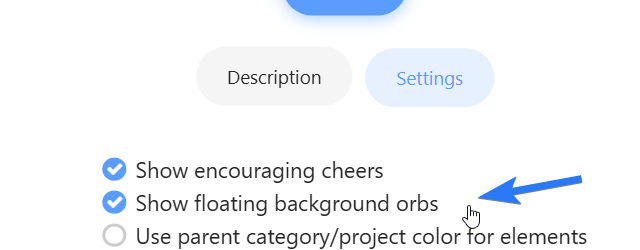
Showing floating background orbs
When this setting is enabled, the background will be animated by floating orbs.
Session timer
Turn on Show session timer to see how long you have been working in this focus session. Pressing "P" pauses the session.

Progress bar
Turn on Show progress bar to see a bar under the task that fills up compared to the task's duration estimate. It uses your time tracking, or the session timer when time tracking is off.
If you go past the estimate, the bar turns orange and shows how far over you are, for example +5m over.
Task order in super focus mode
The order of the tasks shown is the same as the order you have in your daily list (top to bottom).
Automatic time tracking
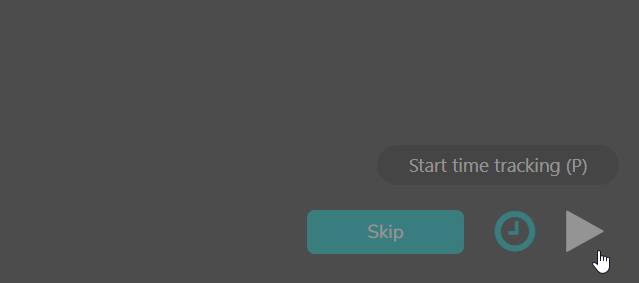
If you are using the time tracking strategy, the timer will automatically start for the current task in super focus mode.
You can pause the time tracking by hitting the pause button on the bottom right or pressing "P".

To resume time tracking, click the play button that replaced the pause button.
TIP: Using the SFM on a tablet
If you have an iPad or tablet computer it's a great idea to have Marvin running on there while you work. Entering the super focus mode and placing it next to your computer will always remind you what you are supposed to be working on at the moment.