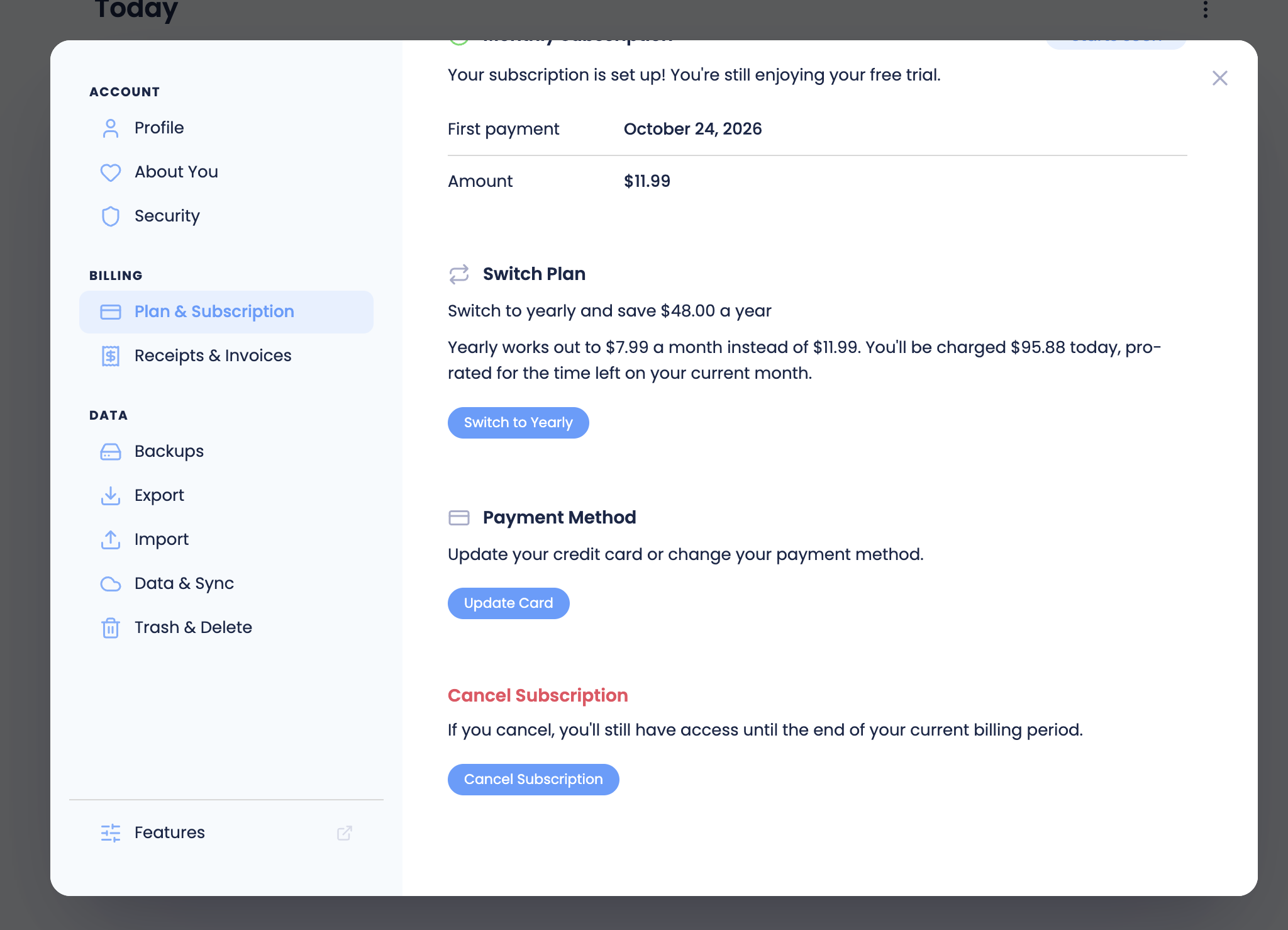
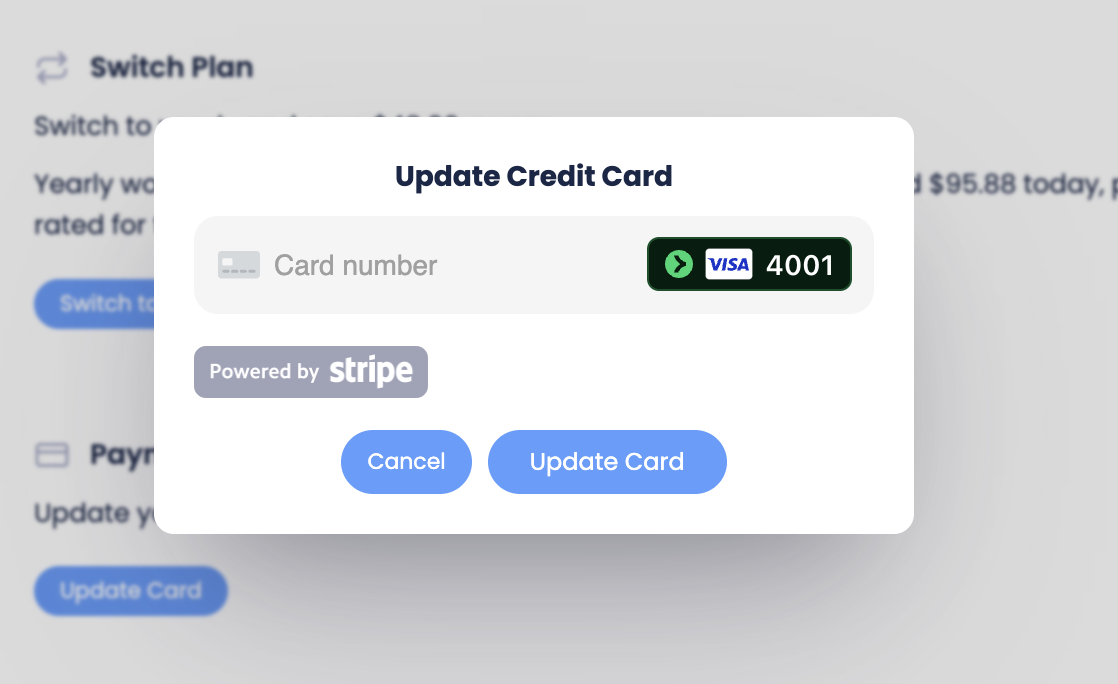
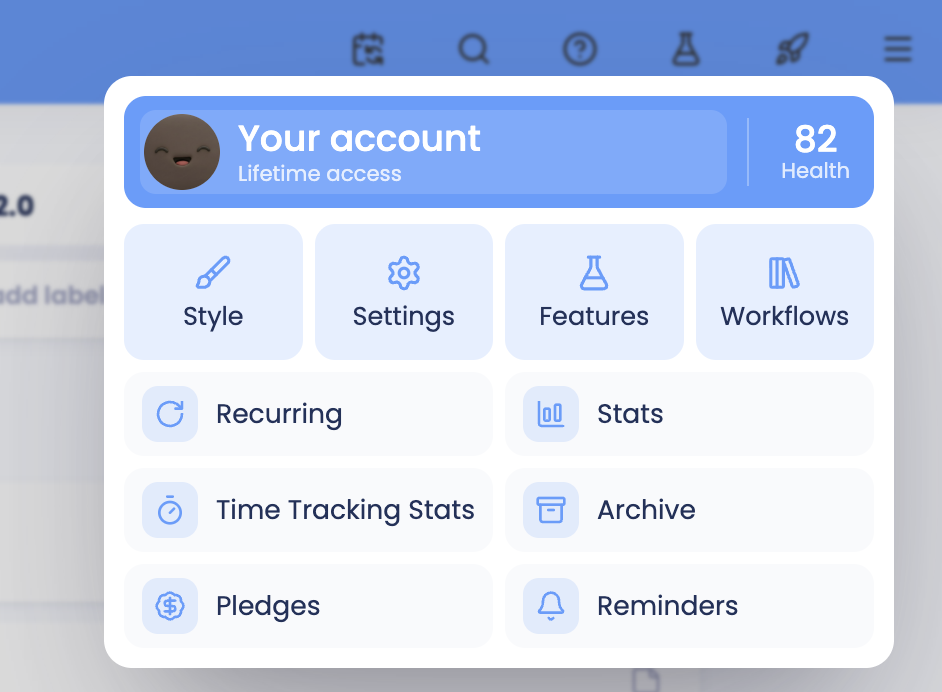
To update your credit card details, go to your account page through the menu at the top right.
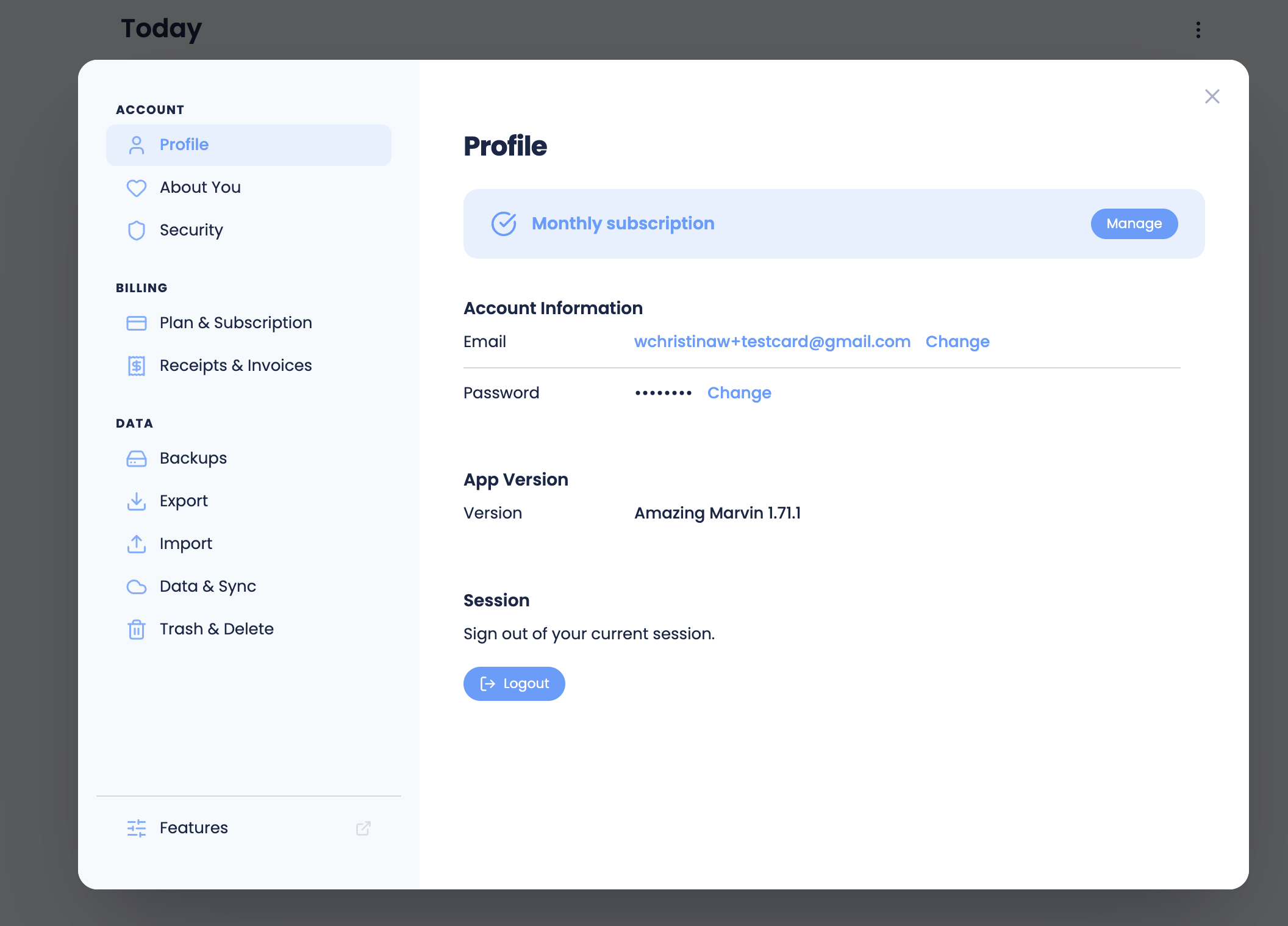
Then click on "manage" in the top right or "Plan & Subscription" in the sidebar. Both lead to the same screen.
Then scroll down to find the "Update card" button and change your card inormation.