Sharing from other apps
Found something you need to deal with later? Share it to Marvin as a task.
iPhone: In any app, tap the Share button and choose Marvin. You can share text or a web page. Edit the title and note, pick a category, labels, dates or a star, and save.
Android: In any app, tap Share and choose Marvin. You can share text or a link. A quick add window opens. If you share highlighted text with a link, the text becomes the title and the link goes into the note.
Screenshot to add: The Marvin share screen
Sharing images and files isn't supported.
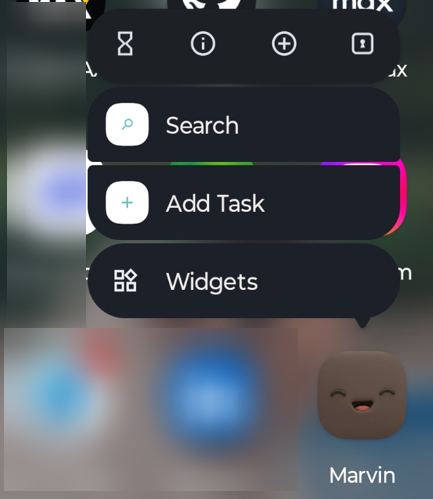
App icon shortcuts
Press and hold the Marvin app icon for:
Add Task: opens the add sheet