Notebooks
Notebooks keep your notes together. Every project and category can have its own notebook with several pages, and you can make stand-alone notebooks too.
Needs the Notebooks feature. Open More > Notebooks.
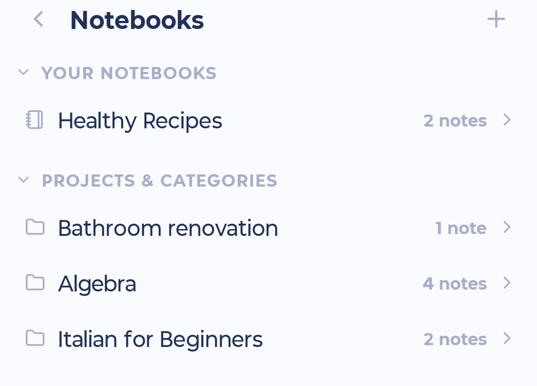
Notebooks are grouped into:
Your notebooks: ones you created
Projects & categories: notes from your projects and categories
From completed projects and From archived & removed projects: notes are kept even after a project is done
Working with notebooks
Tap + at the top to make a new notebook.
Open a notebook to see its pages. Add a Note or a Section.
Press and hold a page to drag it to a new spot.
Move a page to another project, category or notebook with Move to....
Inside a project's note, tap All notes to open the whole notebook.
In More > Features > Notebooks you can choose what happens to notes when a project is deleted: Ask me, Delete them or Keep the notes.
Day Notes
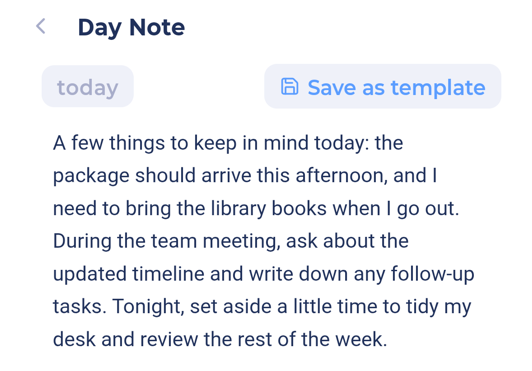
A Day Note is a note for a single day: plans, a journal, anything.
Needs the Day Note feature.
On My Day, pull the list down past the top and let go when you see Release to open note.
Or tap ⋮ > Day Note.
A Day Note can be saved as a template to reuse.