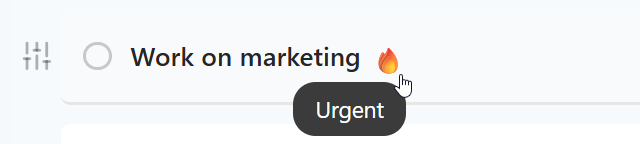
The Urgency strategy allows you to mark tasks that need attention soon, even if they don't have a hard deadline. While a Due Date tells you when a task must be finished, Urgency tells you that you should probably do this task sooner rather than later to avoid trouble.
How to enable
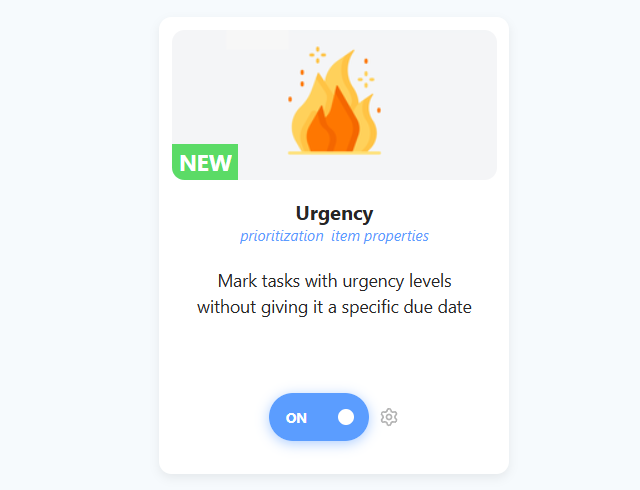
To enable this strategy, go to ☰ → Features/Strategies → Urgency.
How to use
Once enabled, you can mark tasks with up to 4 levels of urgency (represented by fire icons 🔥).
Adding Urgency
Magic Words: Type
*urgentor*firein the task title while creating or editing a task.Menu Action: Add the "Set urgency" action to your Hover Buttons, Right-Click menu, or the new Left Button.
Type *urgent in a task title and pick it from the menu. Or use the Set urgency action in your hover buttons, Left Button or right-click menu.
Settings
You can customize how the fire icons look and behave in the strategy settings:
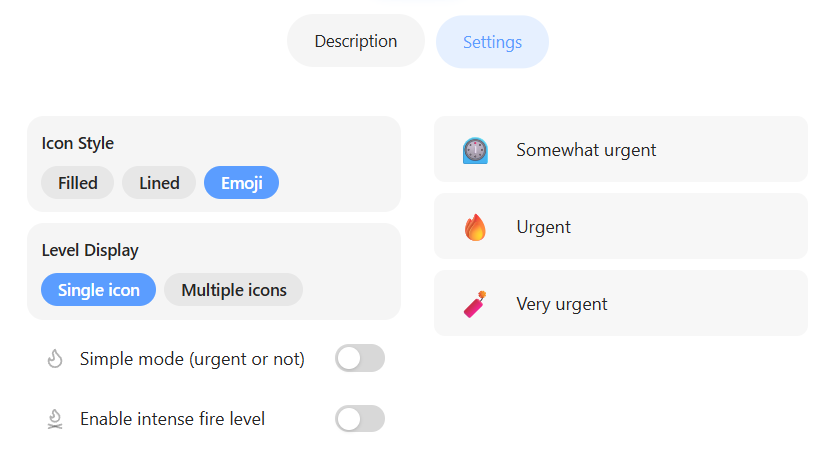
Simple vs. Multi-level: By default, Marvin uses "One Level" (simple mode) where a task is either urgent or not. Uncheck One Level to unlock the ability to set varying degrees of urgency (Level 1-3).
Intense Fire: Enable this to add a 4th level of urgency for your absolute critical emergencies.
Icon Styles: Choose between standard icons, filled icons, or emojis (🔥) to match your aesthetic.
Simple mode (urgent or not): on by default. Turn it off to get three levels: Somewhat urgent, Urgent and Very urgent.
Enable intense fire level: adds Extremely urgent.
Icon Style and Use theme color: change how the icons look.
Why use this strategy?
Use urgency for tasks that need attention soon but don't have a fixed deadline.