There are two places in Marvin that create sounds: the Focus Music strategy and the completion check-off sound. You can disable either or both.
Disable Focus Music
The Focus Music strategy plays background sounds while you work. To turn it off:
Go to ☰ → Features
Find Focus Music
Toggle it off

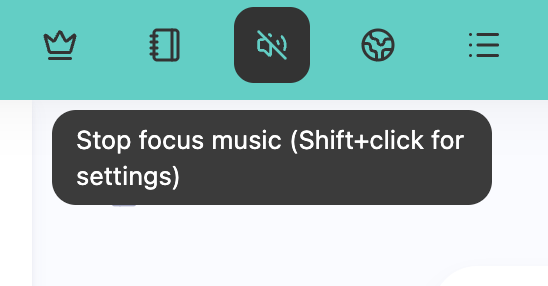
If you've already enabled it and added a Focus Music button to your sidebar, you can also just click the Music Note icon to toggle the sound on and off anytime.
Disable completion check-off sound

When you check off a task, Marvin can play a satisfying sound effect. To disable this:
Go to ☰ → Features
Find Check off behavior and disable the whole feature (this will also turn off animations on check off!)
If you just want to disable sounds, click on the card and go to settings.Select None to turn off the completion sound
Adjust volume if needed
You can also control the volume of the completion sound separately in the same settings without disabling it completely.
Timer sounds
If you use timers (like the Tomato Timer), you can also disable or customize those sounds in the Timers strategy settings.