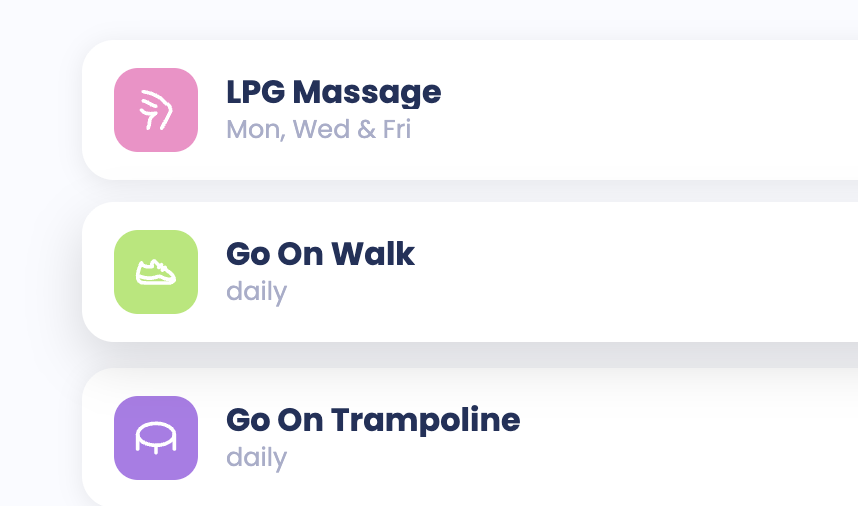
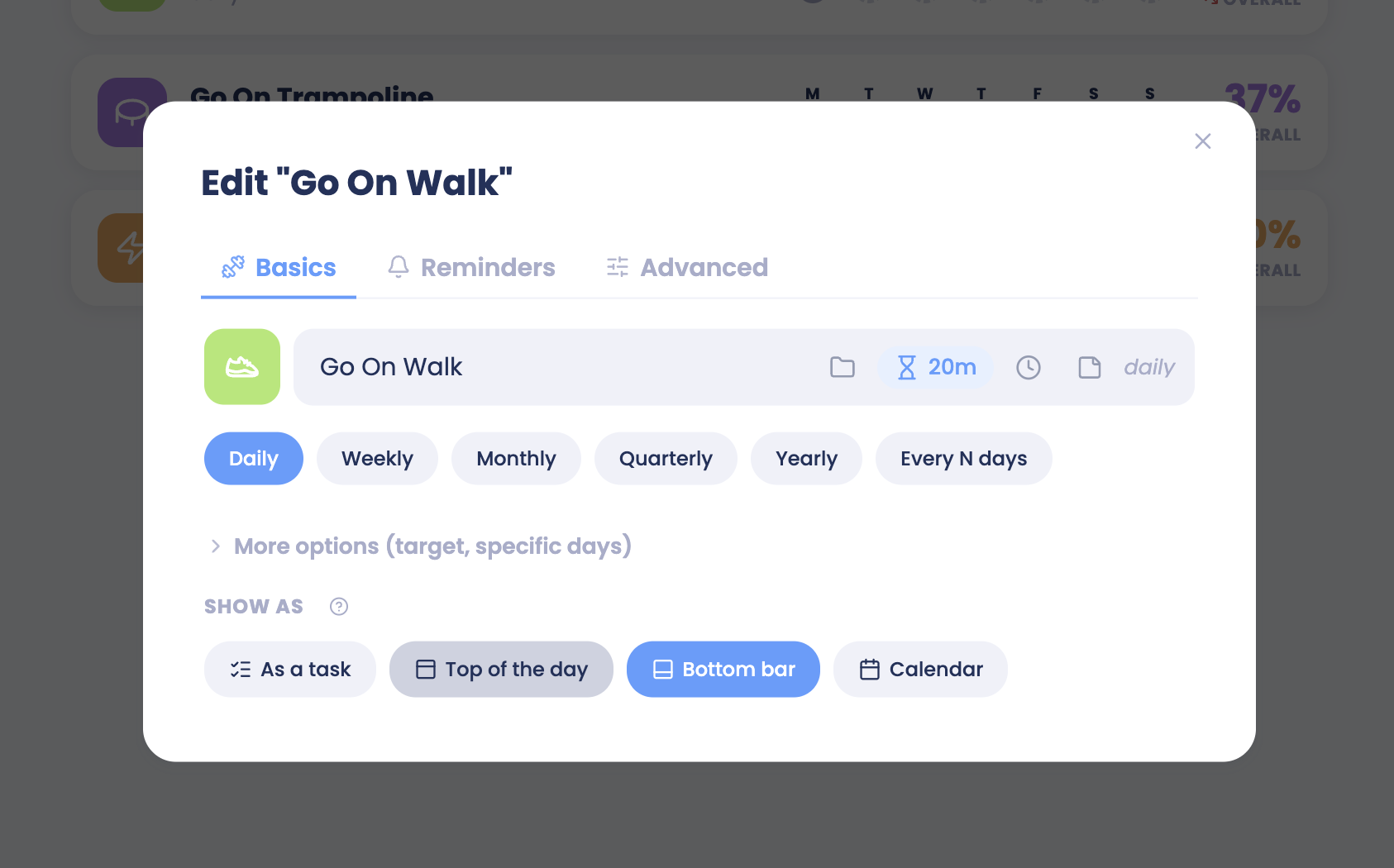
If you don't want your habits to show up in the bottom menu, you can change how they are shown. You don't need to delete the habits themselves.
Remove habits from the bottom bar (all at once)
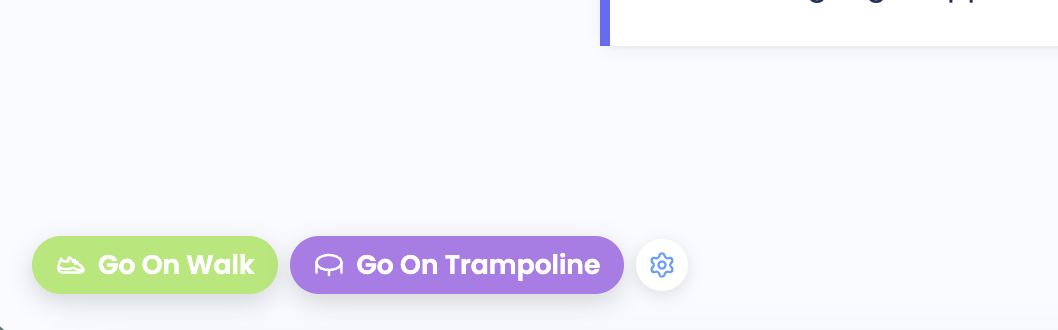
Hover your mouse next to the habits in the bottom bar. A small cog icon appears.
Click the cog icon.
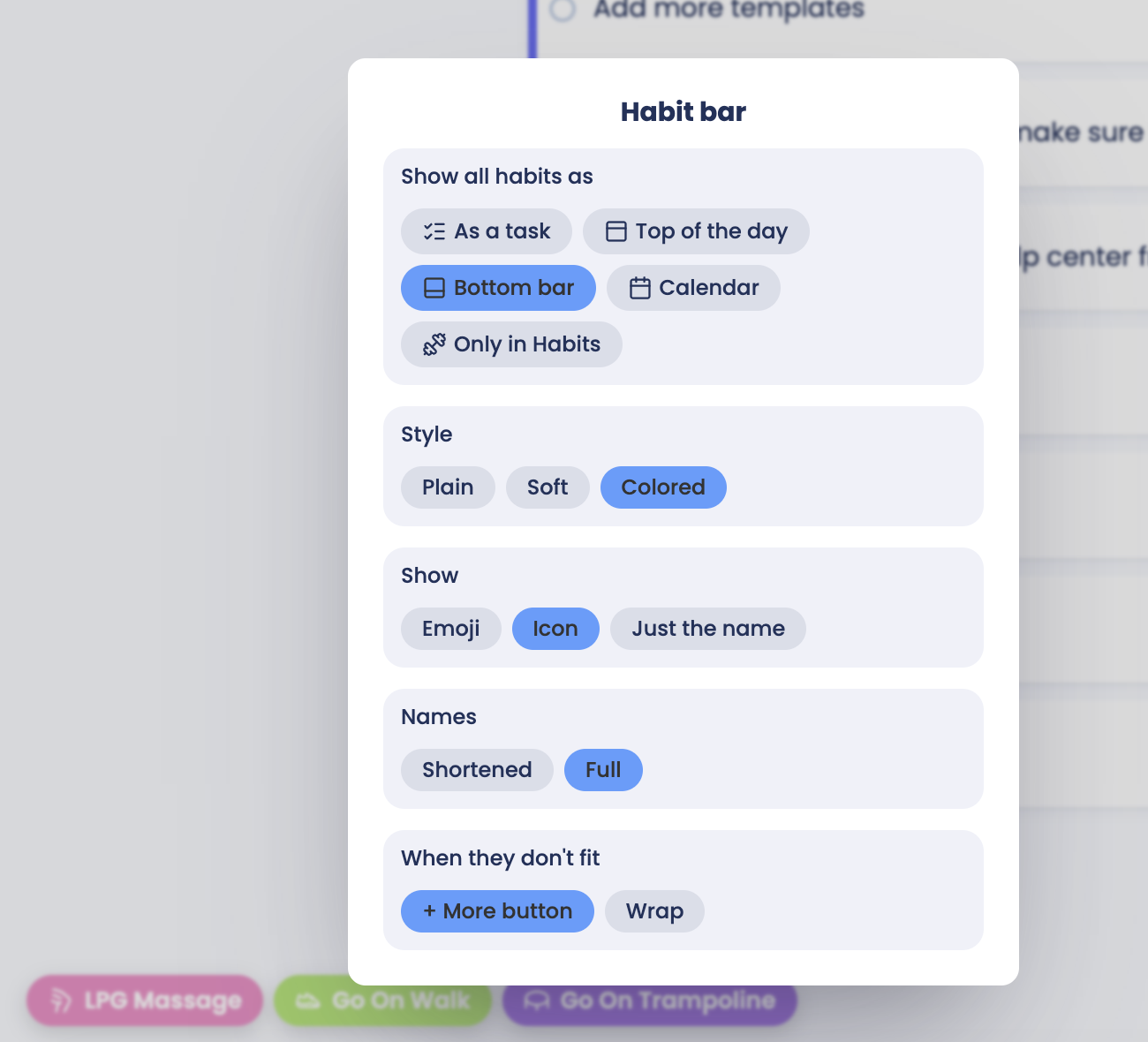
Choose the option for "shows all habits as" in a different way, not in the bottom menu. This will change how ALL your habits are displayed. If you want to change one habit at a time go to the habit page ("H" keyboard shortcut) and click on a habit to change it.
Your habits are no longer in the bottom bar. They are still in your Habits list and keep working as before.
Remove a habit from the bottom bar (one at a time)
Go to the habits page ("H" on keyboard or wherever you added the link to the habit page)
Click on the habit you want to change
Change the "show as" by clicking the "bottom bar" option to remove it and click something else to make the habit appear in another way.