A two-minute tour of the ideas you'll see everywhere in Marvin. Once these make sense, the rest of the help center will too.
[IMAGE] The full web app with a few tasks in Today on the left and the Master List open, so both main places are visible at once.
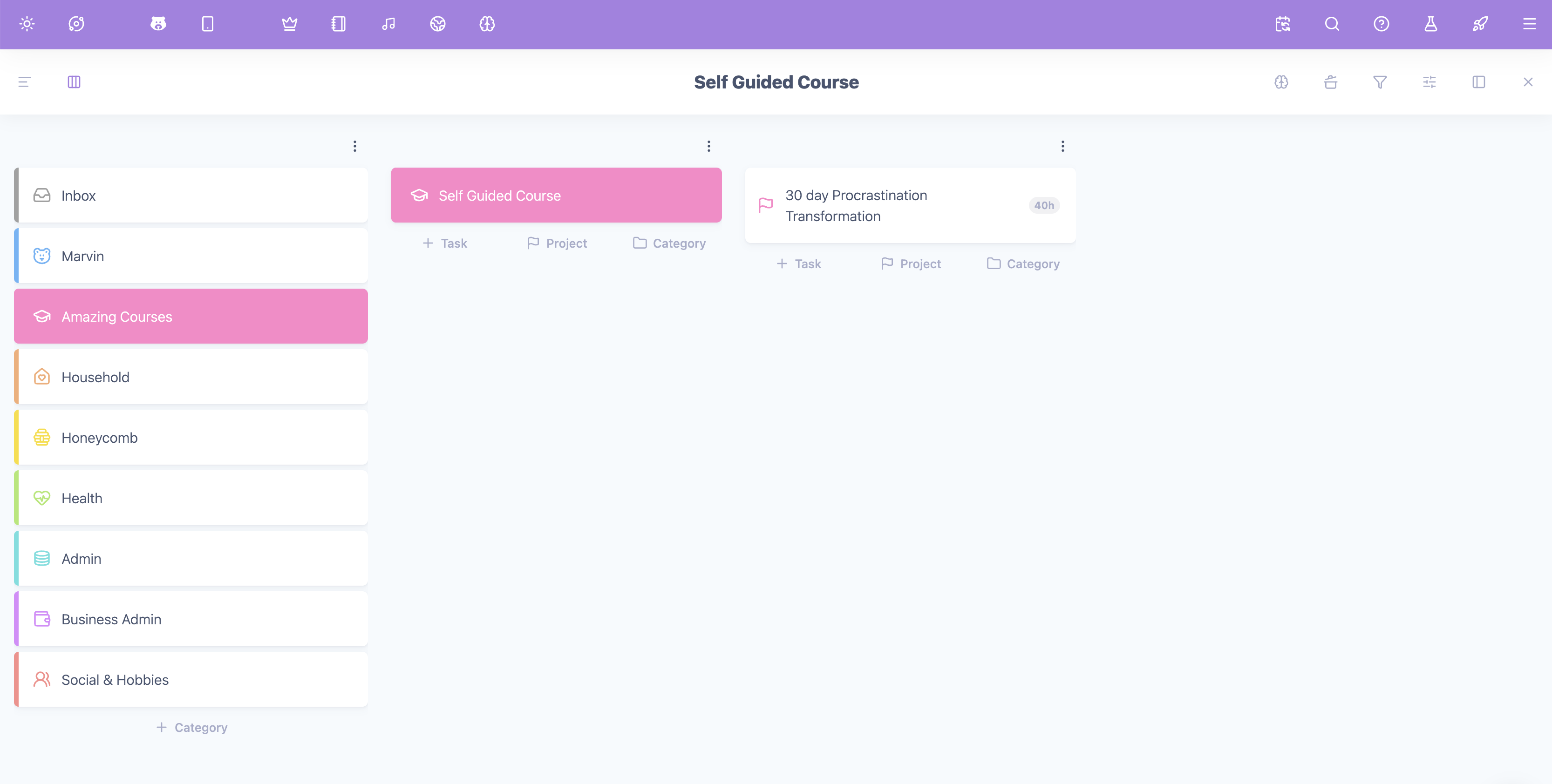
Your Master List: everything in one place
The Master List holds everything you want to do someday, organized by the areas of your life. You open it from the folder icon in the sidebar or by pressing the "M" key on your keyboard.
Think of it as your storage. You don't work from it all day. You go there to have an overview, organize and perhaps add things.
Categories, projects and tasks
Marvin has three main building blocks for your to-dos:
Categories are the big areas of your life, like Work, Home or Health. They don't are like storage containers for you to sort your "to-dos" into. You can nest categories inside larger categories if an area gets big (subcategories).
Projects are things that take several steps and will one day be finished, like "Plan the garden party" or "Redesign website".
Tasks are single actions you can do in one sitting, like "Email Anna about the date".
Anything that doesn't have a clearly assigned category or project (a "parent") yet goes to your Inbox, so nothing gets lost while you decide where it belongs.
Today: what you're doing now
Today (the sun icon in the sidebar) is where you can see your list for each day. Instead of staring at everything you could do, a lot of people like to pull a handful of tasks into today and focus on those.
A common rhythm looks like this:
Get everything out of your head and into the Master List.
Each day, pick a few tasks for Today.
Work through them, one at a time.
Features you switch on and off
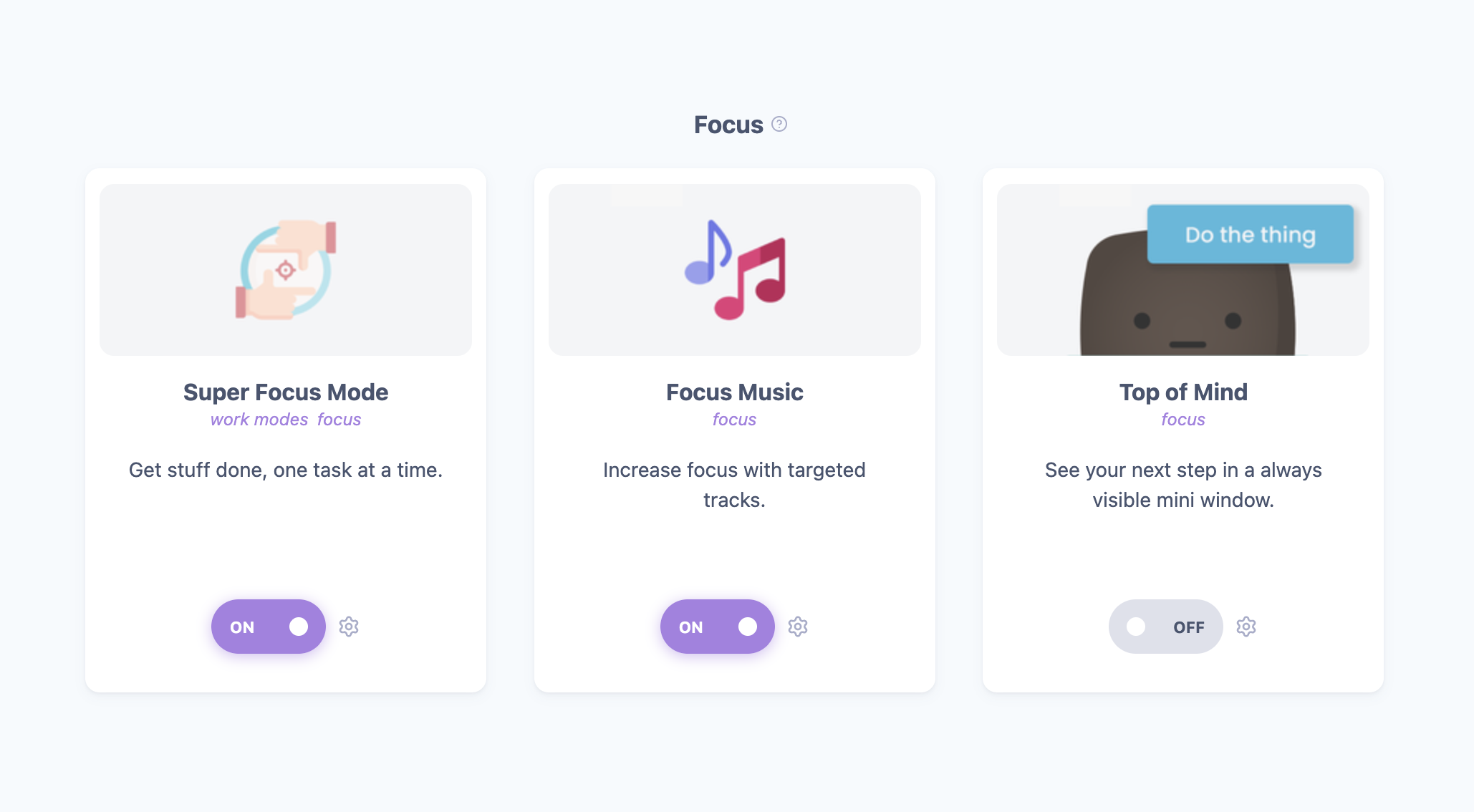
Everyone's brain works differently, so almost everything in Marvin is a feature you can turn on or off. Want time estimates, habits, a calendar, rewards, or focus timers? Turn them on! Don't need them? Leave them off and they stay out of your way!
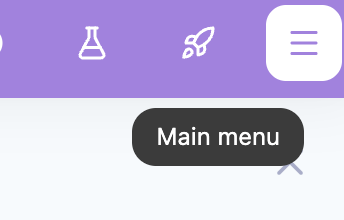
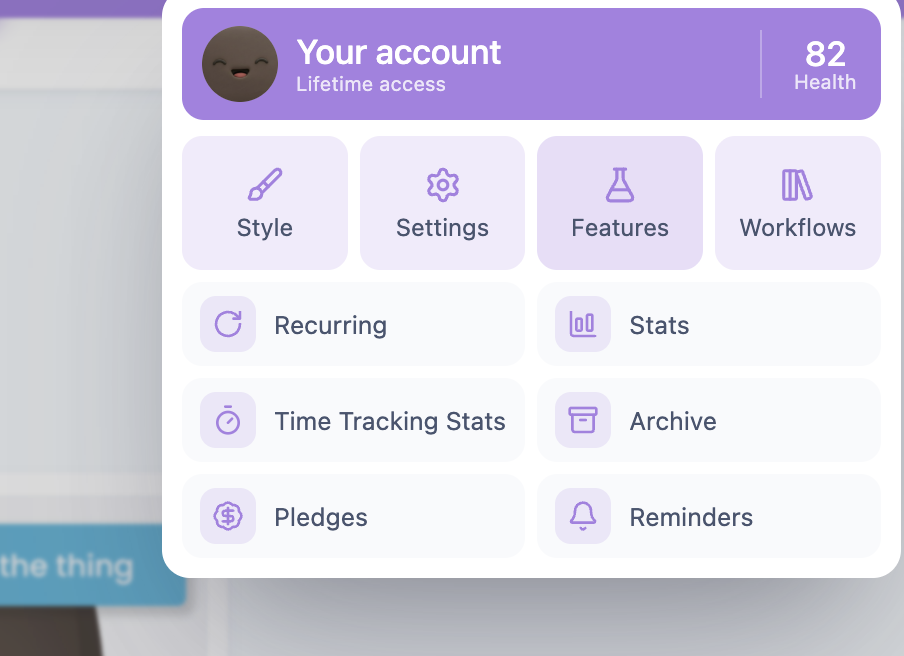
You'll find them all under Main menu → Features (or press S).
There is no "right" setup. Start with the basics, notice what's getting in your way, and add a feature to help with that one thing. Find a workflow that fits you explains how.