These are the blocks you can add to your Home tab. To add or change them, see Setting up your Home screen.
Greeting
Today's date and "Good morning" (or afternoon or evening) with your name. Settings: show the greeting or just the date.
Brain dump
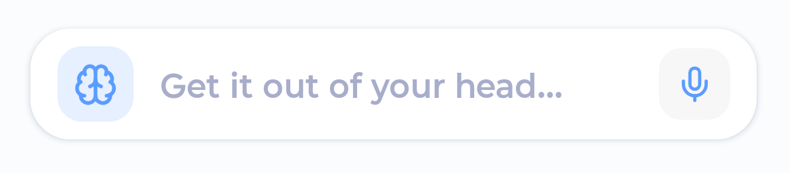
Get everything out of your head. Tap "Get it out of your head..." to type, or the microphone to talk. Make tasks lets Marvin sort it into tasks; Add tasks adds one task per line. Tasks go to your Inbox. Needs Braindump (on by default). See Voice input and brain dumps.
Today's Tasks
A preview of today's list. Tap a checkbox to complete a task, or tap a task to open it. See all takes you to My Day. Settings: category color style, how many rows to show, show completed tasks, show duration.
Daily Progress
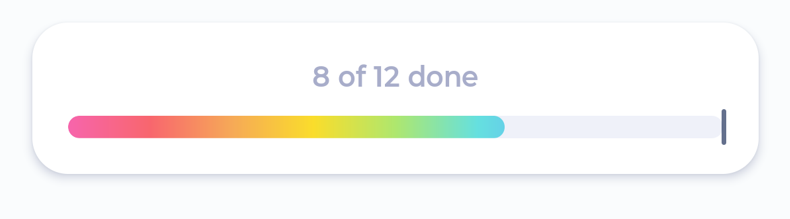
A bar that fills as you get through today. Shows how much is left and roughly when you'll be done, or "3 of 8 done" if your tasks don't have durations. Settings: rainbow or theme color, measure by task count or duration, a pace marker showing how much of your work day has passed, and when your day starts and ends.
Habits
Your habit pills, so you can tap to record them. Only habits set to show On my Home screen appear here. Needs Habits.
Project shortcuts
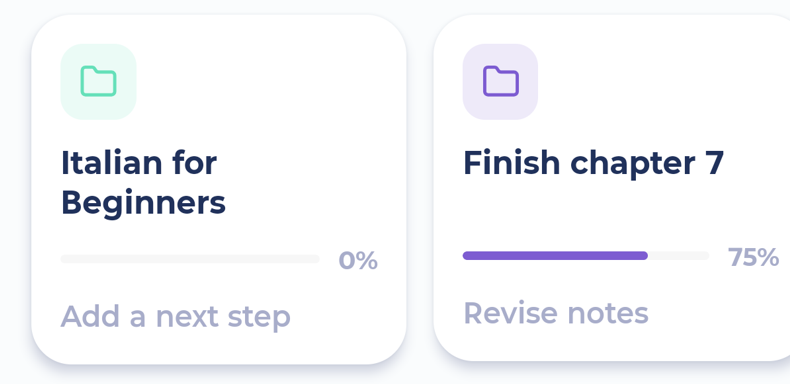
A row of project cards you can swipe through. Each shows the project's progress and its next task. Tap a card to open the project. Settings: which projects to show (Auto, Most important, Pick by hand, Deadlines, Priority or All projects), show the project icon, show the next task.
Deadline Countdown
Your upcoming deadlines with a big countdown ("Today", "4 days"). Tap one to open it. Settings: cards or list, tasks and/or projects, how far ahead to look, number color, show overdue, show the due date.
Upcoming Events
The rest of today's calendar events. Tap one to edit it. Hides itself when there's nothing left today.
Daily, Weekly and Monthly Time Targets
Bars for your time targets for today, this week or this month. Needs Time Targets. See Time Targets. Settings: show percent, time or both, and whether to show the heading.
Tips & Affirmations
One tip or affirmation a day, from the tip packs you choose plus your own affirmations. Swipe it away to hide it for the day. Settings: which tip packs, and whether to show the source.
Mini list
Pills for the tasks and projects in your Top Mini List (set up on the web). Settings: show duration.
Focus Now, Quick Win and Tackle a Dread
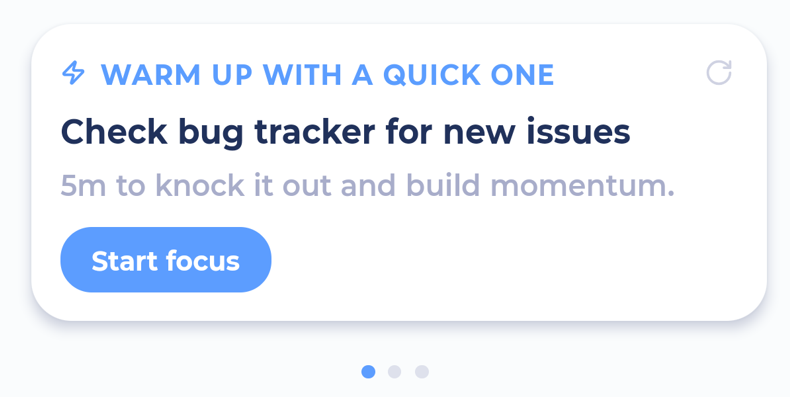
Suggestion cards that pick one task for you:
Focus Now: something from today's list
Quick Win: a short task (5 or 10 minutes) to warm up with
Tackle a Dread: a frog, a task that's weighing on you, or one you keep putting off
Tap the reroll button for another suggestion. Tap the main button to start: Start focus, Track time or I did it, depending on your settings.
By default the three are combined into one card you can swipe through. You can turn that off in their settings.