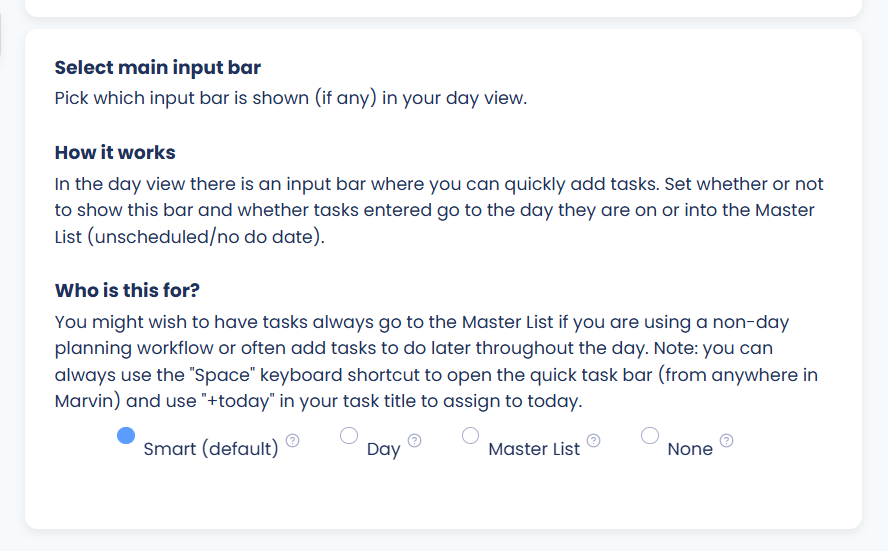
By default, there is an input bar at the top of your lists that lets you quickly enter a task you want to do today.

This bar can be removed completely or changed so that tasks and projects entered in there (p: project name) get added to the Master List without being scheduled to today.
To change this, go to the Settings view using the main menu button (☰ → Settings).
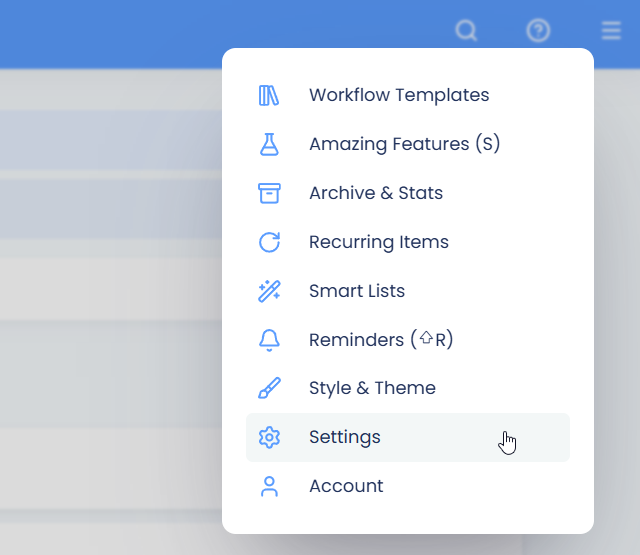
You can also open the Settings view using the , (comma) keyboard shortcut.
Click on the "Layout" tab on the left, and scroll down to 'Select main input bar". Click this to open the settings.