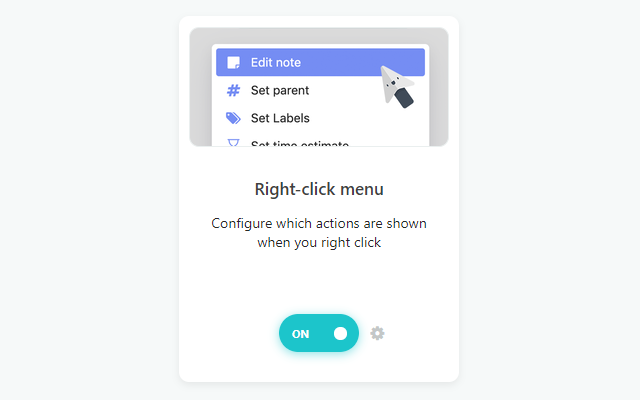
When this strategy is on, right-click a task/project to edit it. Right-click menu is enabled by default, but in case you accidentally disabled it, you can enable it by going to ☰ → Features.
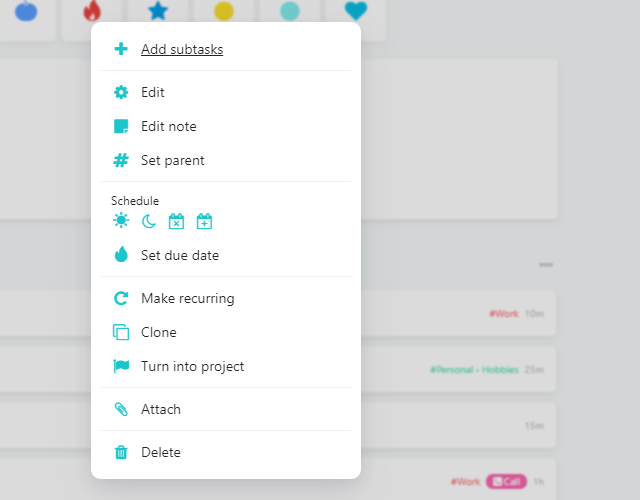
Configuring this strategy will let you choose which actions are shown in this menu. In the strategy settings, you can reorder the buttons, add new ones and modify when they're visible. By reading this article you can learn more about customizing the right-click menu and the hover buttons menu.
The More menu
To keep the menu short, you can put actions you rarely use into a More... submenu. Add the More... action to your menu, then choose what goes inside it under More Menu Actions in the strategy settings.
Adding a new action to the right-click menu
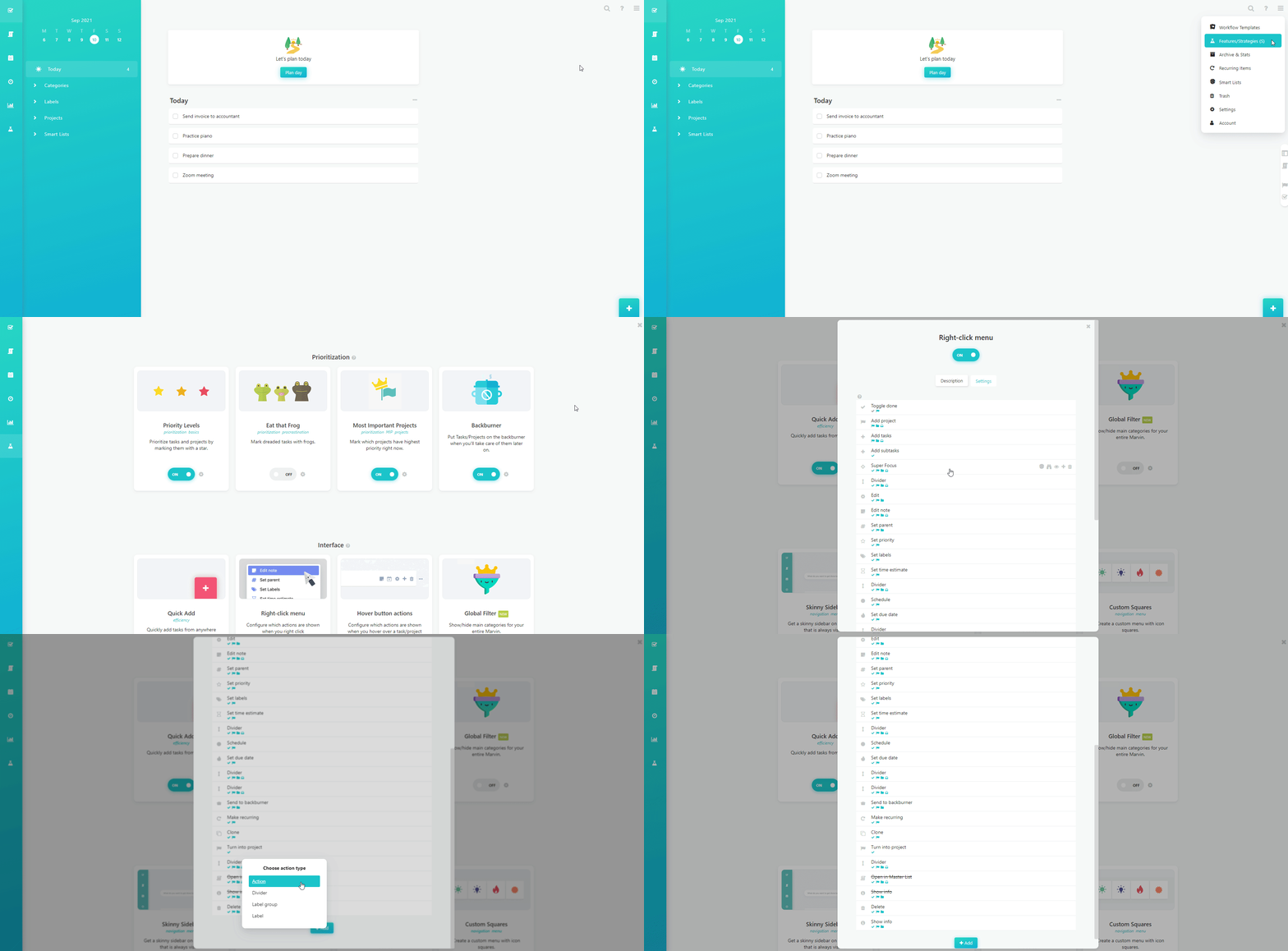
Right-click on the GIF → Open image in new tab to see it in the full resolution
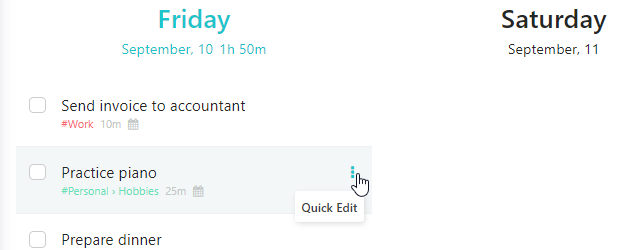
Accessing the right-click menu using the "Quick Edit" action
The right-click menu can also be accessed via left-click using the "Quick edit" action in your hover buttons. This is the only hover button available in the Week Scheduler.