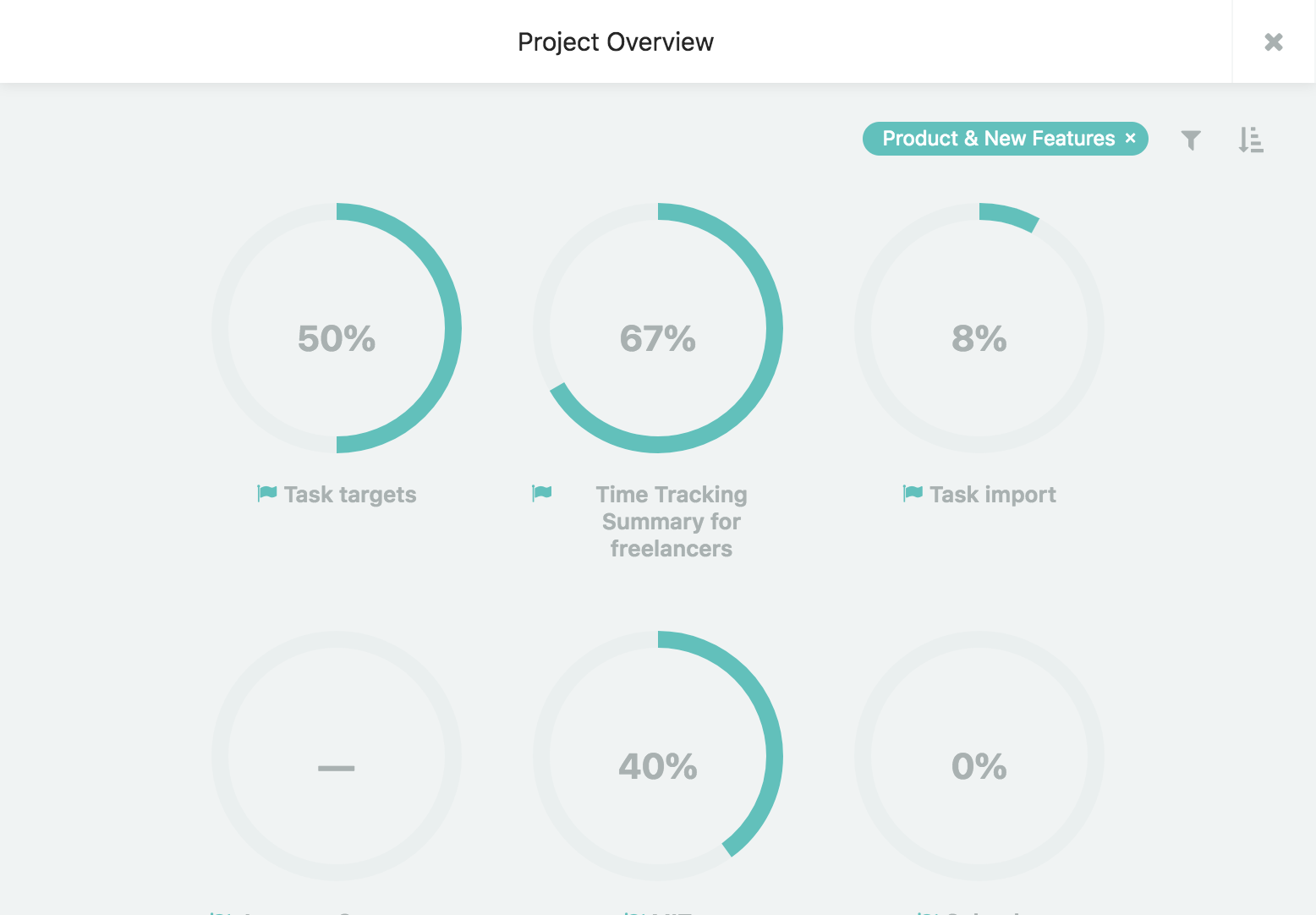
1. Use the search dialog
Open the search dialog by clicking the magnifying glass at the top right or use the keyboard shortcut shift+s to open it from anywhere.
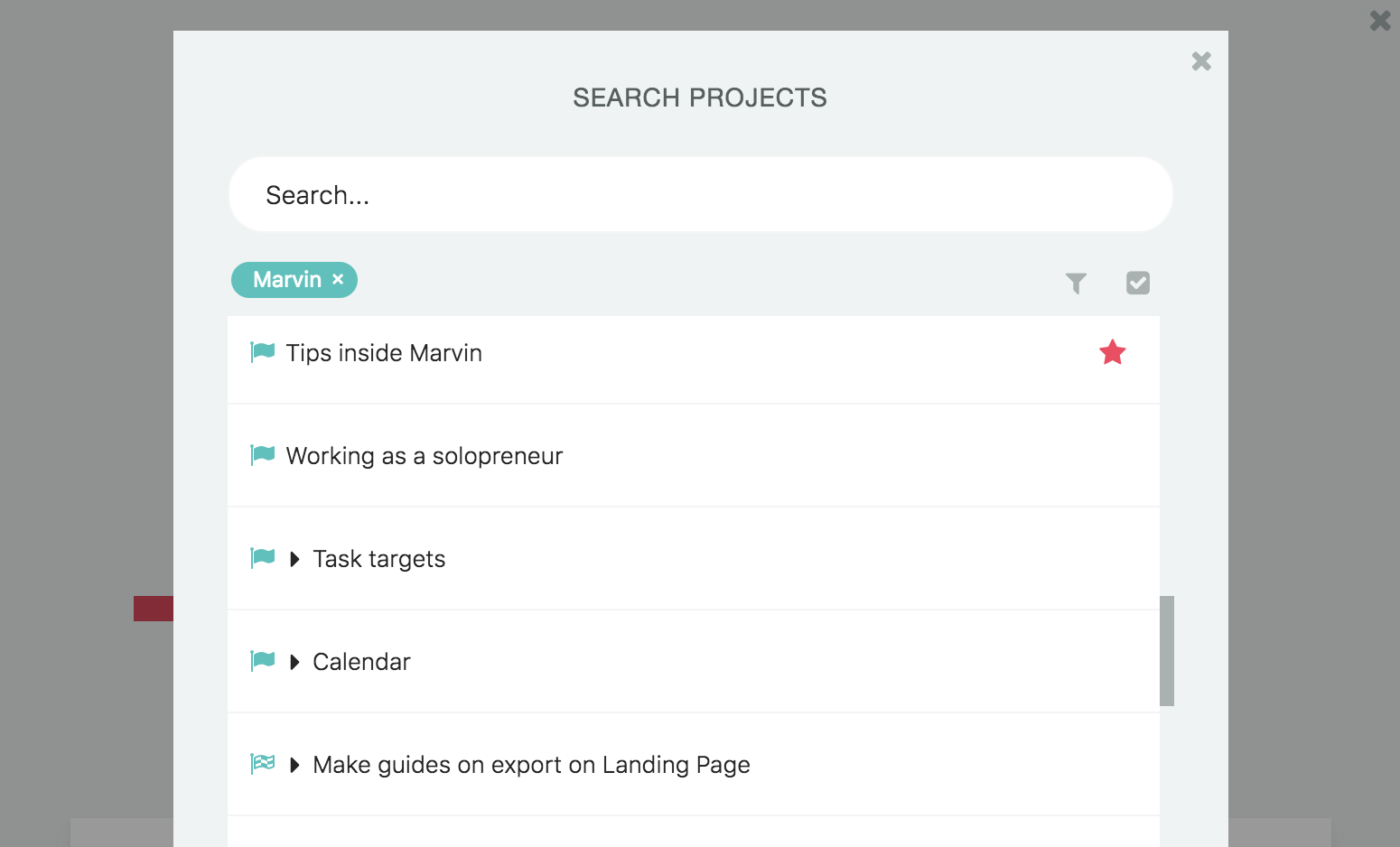
Then click the flag icon at the top right in the dialog to see a list of all your projects.
You can search for projects or filter them.
2. Make a Smart List
Using the Smart List strategy you can create a custom list that contains all projects.
Simply set the item type filter to "projects" and save your list.
3. Project Overview
Using the keyboard shortcut shift+spacebar opens a search dialog where you can quickly navigate to any project.
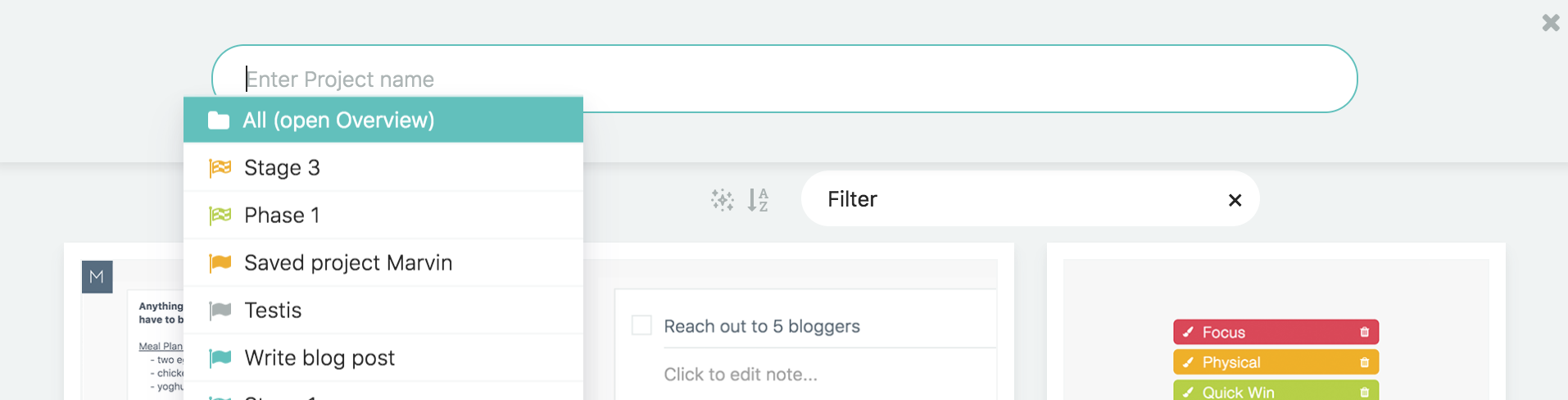
You can also select "all" which navigates to the project overview.
Here you can filter and sort all your projects.