Bulk editing functionality allows you to edit multiple calendar items at once. To use it, open the Calendar view and on the top-right you will see the "pen" icon used for bulk editing.
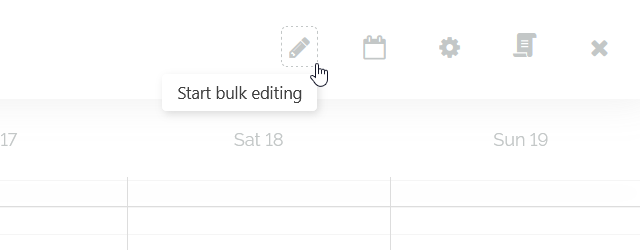
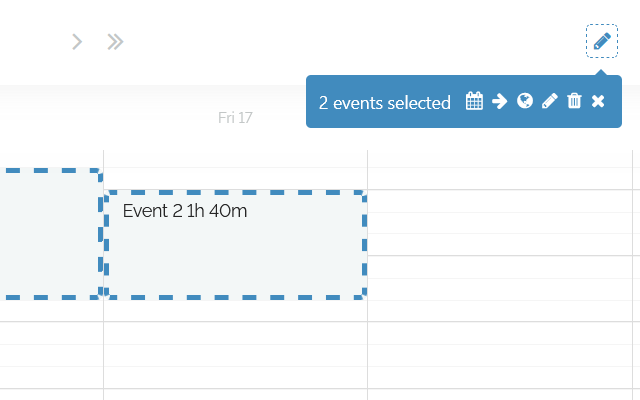
Once you click on it, select events or time blocks that you want to edit, and in the bulk editing menu you'll be able to do one of the following actions:
Reschedule events/time blocks
Delay/Shift them by a certain amount of hours or days
Adjust their time zone
Rename them
Delete them
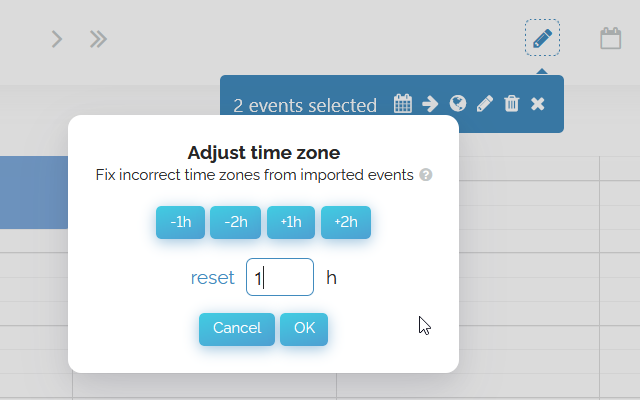
Fixing incorrect time zone for imported events using the adjust time zone functionality
Sometimes when importing Events (especially from Outlook), Events show up at the wrong time due to time zone problems. Choose a number below to move Events forward or back by the given number of hours.
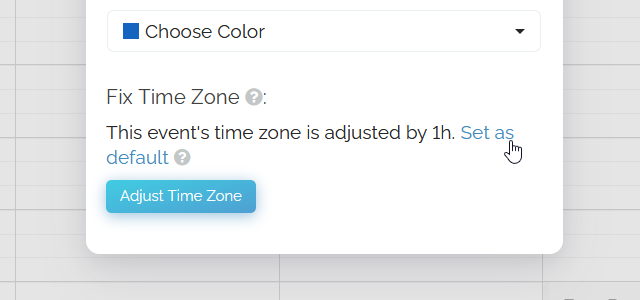
If you wish to apply the adjustment to all events coming from that calendar, open one event where you previously adjusted the time zone and click on the "Set as default" button.