Open the sidebar, tap Account & Settings, then Date & Time.
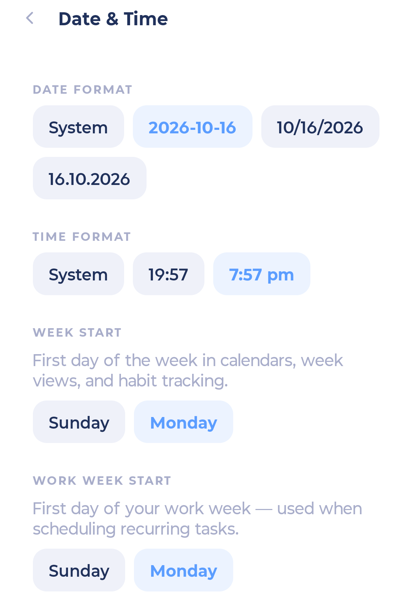
Date format: System, YYYY-MM-DD, MM/DD/YYYY or DD.MM.YYYY. Each shows an example.
Time format: System, 24 h (also called military time, like 14:00) or 12 h.
Week start: Sunday or Monday.
Work week start: Sunday or Monday.