Stats can help us see patterns and get a better picture of how we are doing.
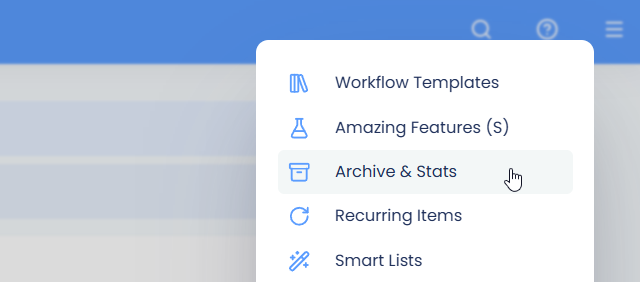
To see stats on the tasks you have completed in the past, open the main menu and click Stats.
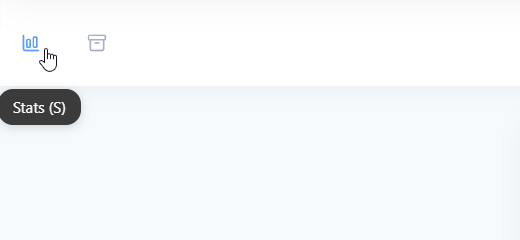
The Task Counts tab shows how many tasks you completed. If you use Time Tracking, Reward Points or Marvin Kudos, you'll also see a tab for each of those. For your tracked time, there's also a full Time Tracking Stats dashboard in the main menu.
Completed tasks stats
Days in week
The default bar graph shows you how many tasks you got done each day this week (total task count at the top of each column).
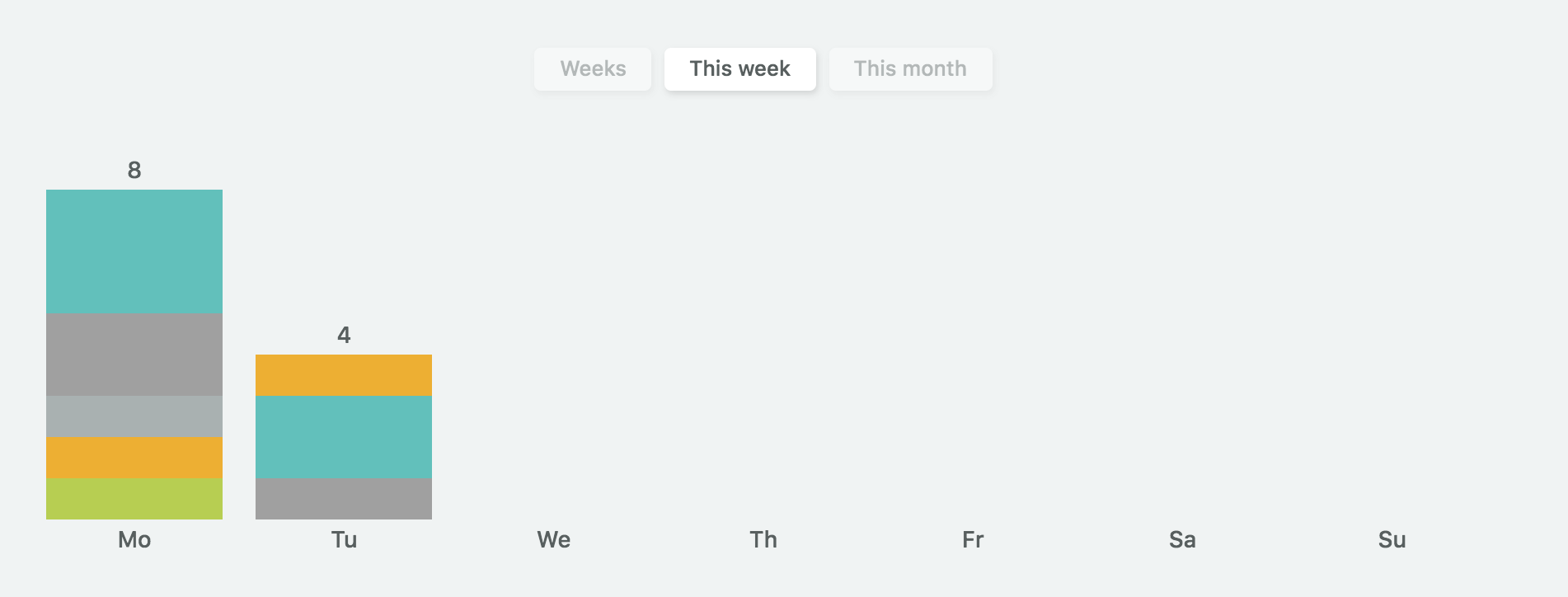
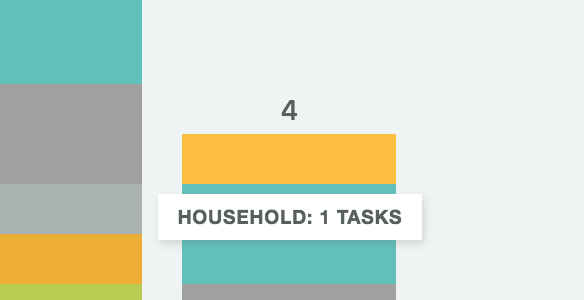
The colors are taken over from your main categories. You can hover over the individual parts of the column to see how many tasks per category you completed that day.
You can navigate to previous weeks by hovering over the graph to reveal the left arrow button.
Days in month
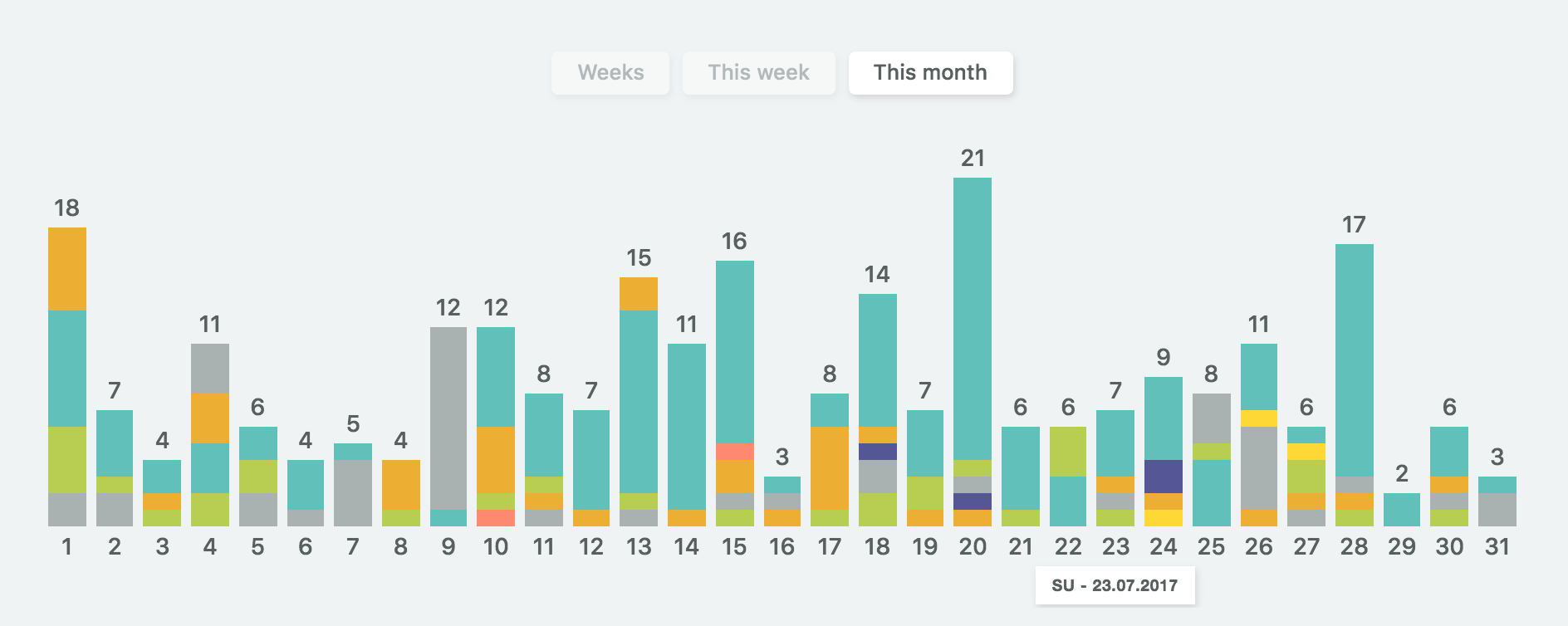
You can also see all the days in a month by selecting the "This month" option in the top middle:
Weeks
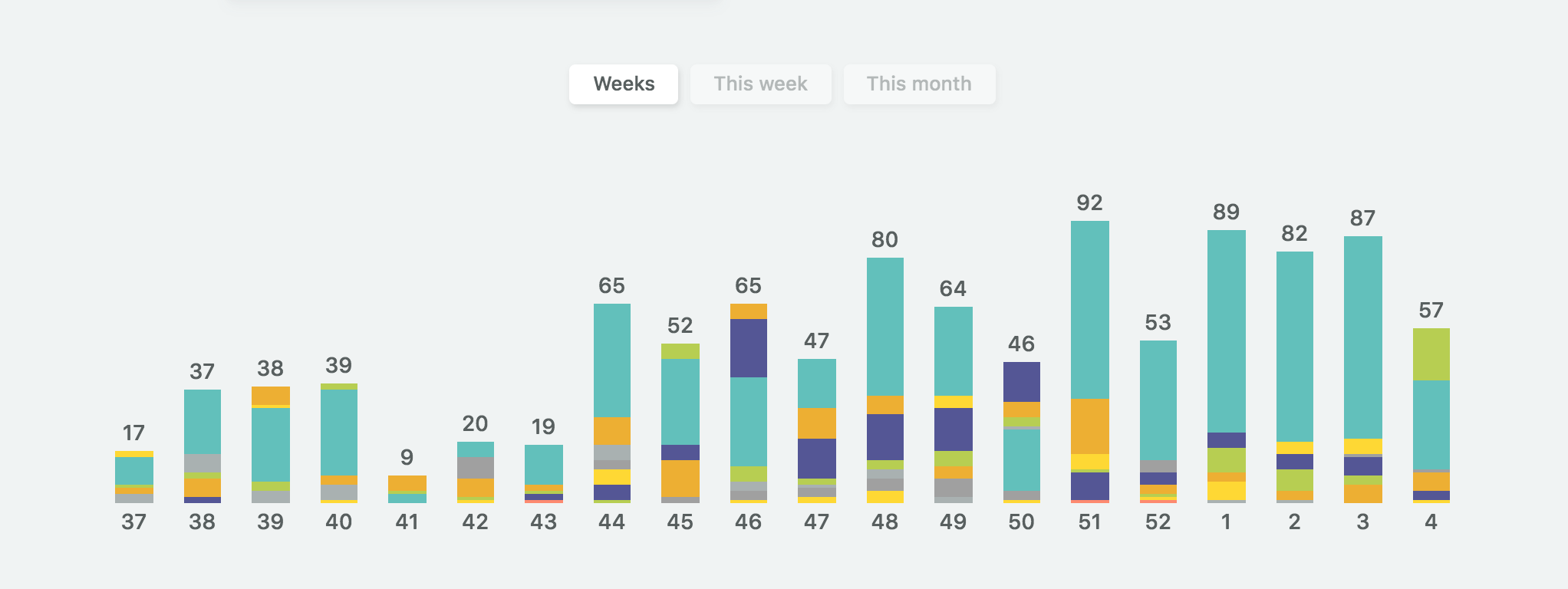
You can also see a summary of each week by selecting the "Weeks" option.
Seeing the exact date
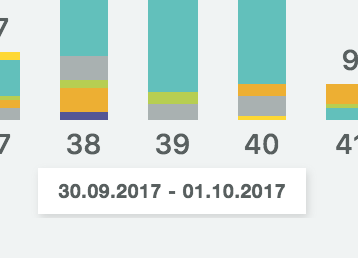
Hovering over the numbers at the bottom shows you the exact date.