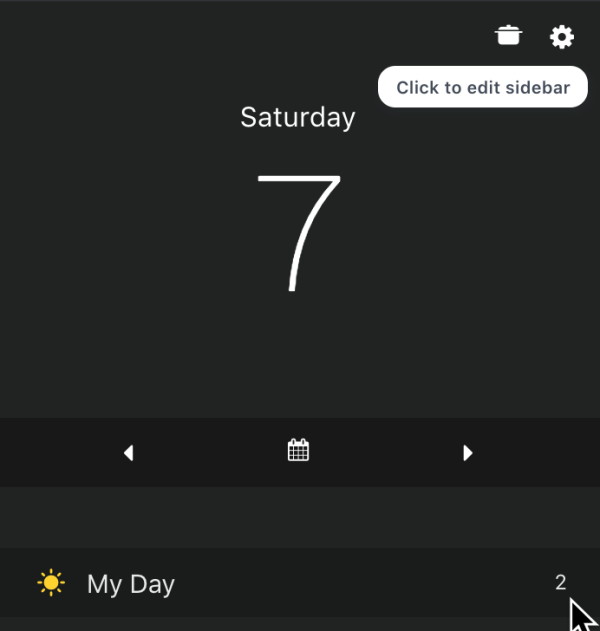
First go to the sidebar strategy settings (accessible in strategies or by hovering over the top of the sidebar with your mouse):
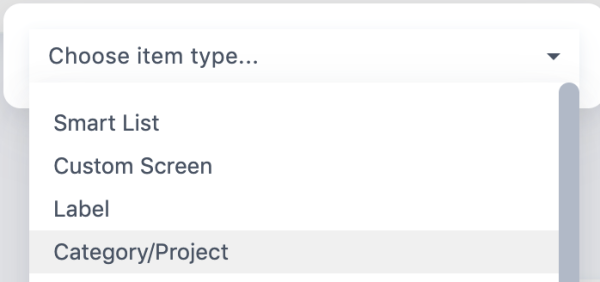
Then click at the bottom to add a new item and choose Category/Project as the item type:
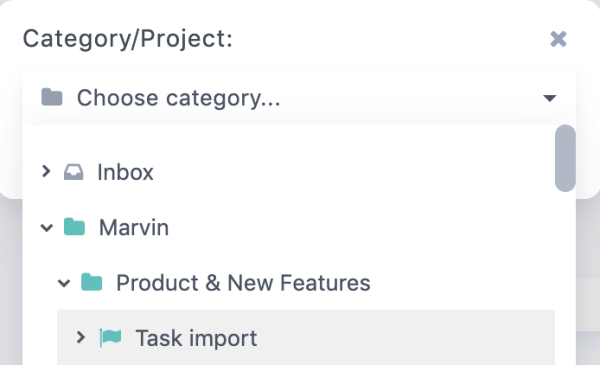
then click Choose Category and click the chevrons on the left to find the project you want to show.
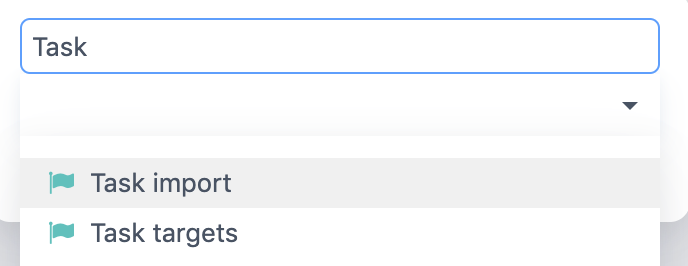
You can also just start typing to search for the project you're looking for! This works for most dropdowns in Marvin: