A lot of features have options in their settings. To get to the settings, open the Features view ("S" on keyboard or through the main menu) :
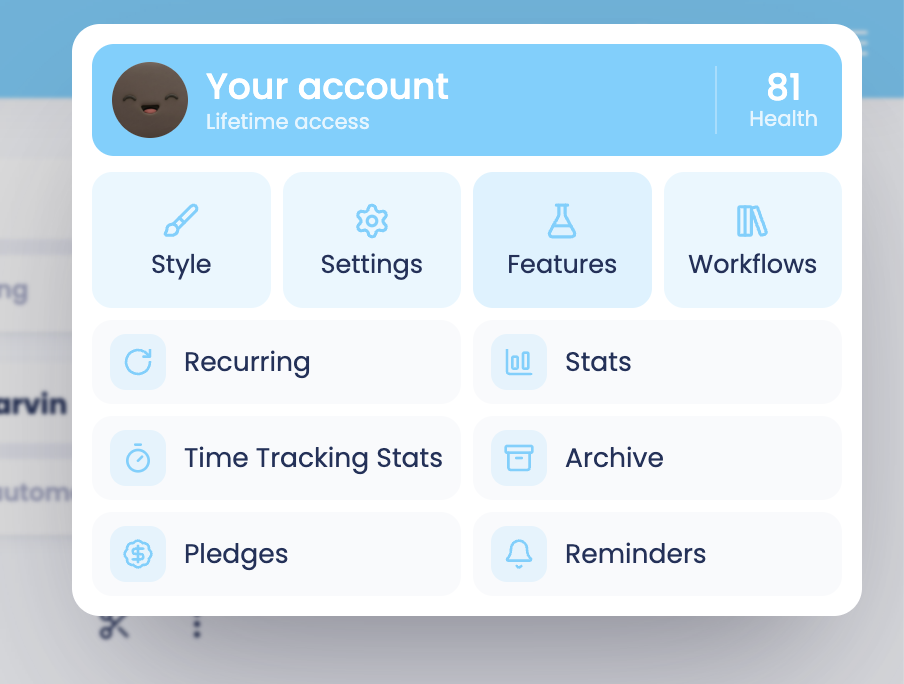
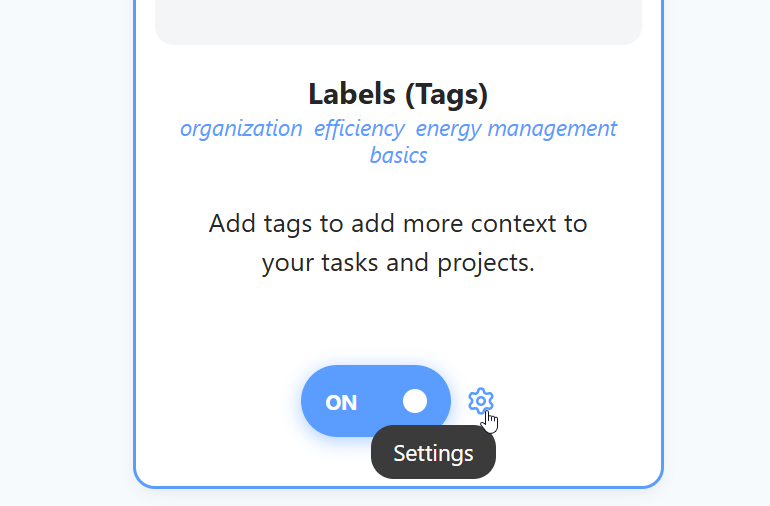
After that, click the cog icon next to the switch on the feature card to get directly to the settings:
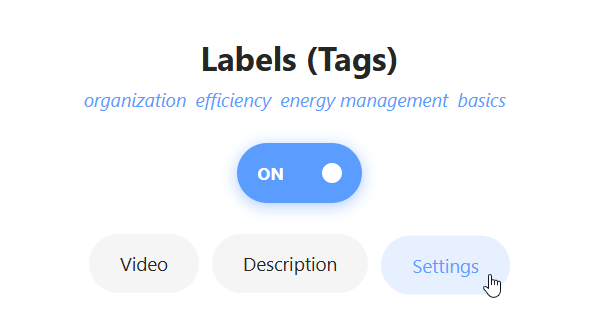
If the feature card is already open, click on the "Settings" tab.
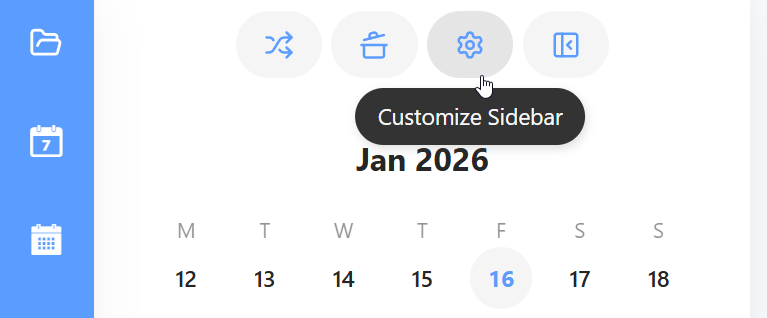
Some features also have a quick way to get to the settings inside the feature they add. Usually there is a cog icon either in the header of a page that the feature enables or next to some other elements of the feature. Clicking the cog takes you to the features' settings.
For example, the sidebar can be edited through a cog icon at the top that appears when hovering over it.