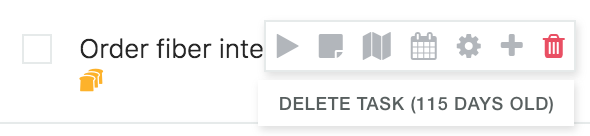
You can see how old a task is by hovering over its delete icon with your mouse, for example "Delete (12 days old)". New tasks show "created today".
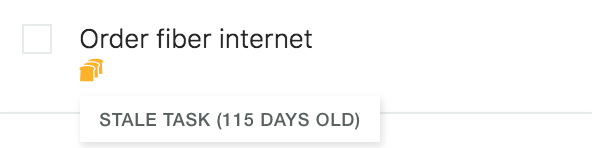
You can also see how old a task is if you activate the Staleness Warning strategy and the task has gone stale (you can define after how many days a task is considered "stale"). Just hover over the stale icon (toast).
See the age of every task in a list
Open the ⋯ menu above a list, click Group by and choose Group by age. Marvin splits the list into groups such as Created today and Created yesterday, then by days, weeks or months. The groups adapt to what's in your list.
You can also sort a list by Created (Oldest first or Newest first) in the Sort menu.