Some Amazing Marvin functionality is very advanced and/or used very rarely. We hide such functionality behind "secret commands". You can enter secret commands by pressing space bar to open the "Quick Add" bar (ensure that the Quick Add strategy is enabled):
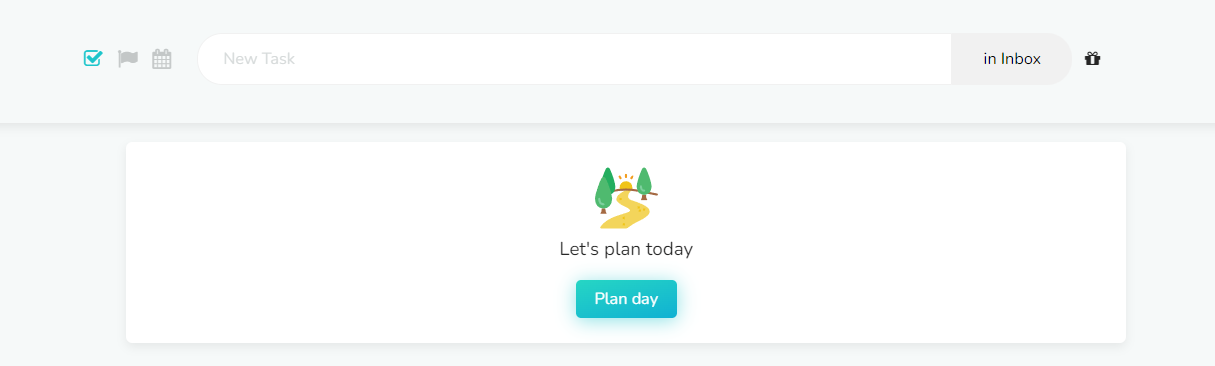
Secret commands always start with a "_", for example: "_blur". Type this in the input bar at the top of your screen
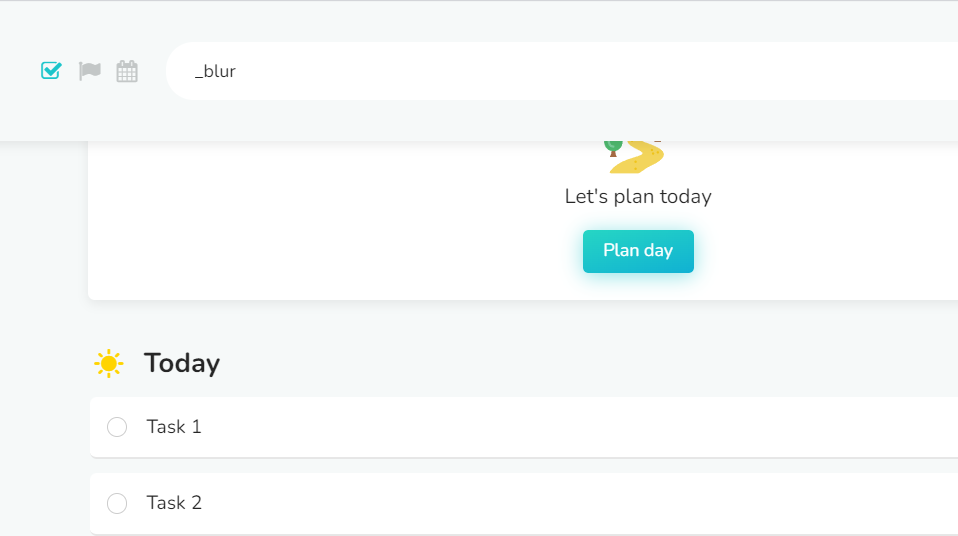
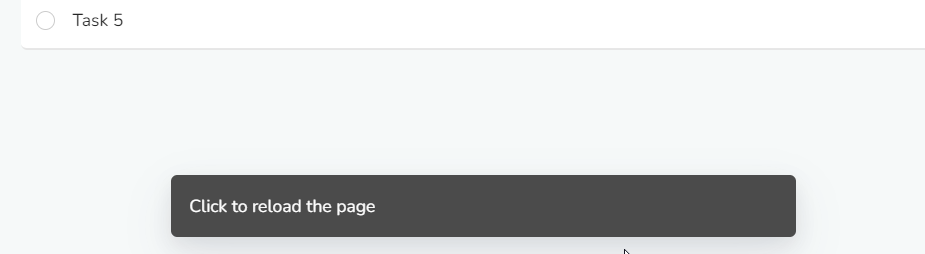
then press enter. Depending on which command you used, you might see a message at the bottom informing you that the command worked:
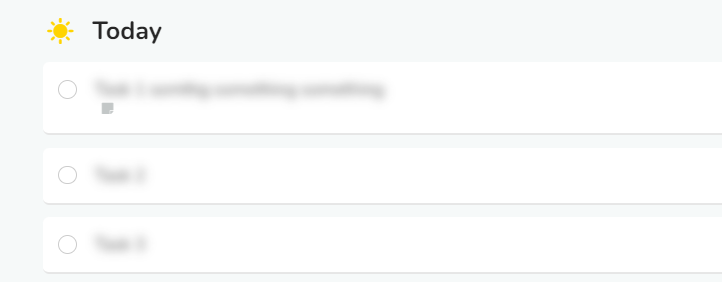
In this case, typing "_blur" and pressing enter will blur the title of your tasks and projects and typing it again will unblur them:
These are other secret commands that you can use:
_i - to open the importer
_logout - to log out from your Marvin account
_blur - to blur and unblur task/project title
_planDay - to unhide Day Planning if you accidentally dismissed it
_cleanupTasks - to open the reschedule items dialog
_unhideEvents - to unhide the events mini list
_unhideTimeBlocks - to unhide the time blocks mini list
_unhideFocusPicker - to unhide Focus Picker button
_celebrate - try it out 😉
_onboard - to restart onboarding which will also re-create onboarding tasks and schedule them for today
_ical - get ICS file containing tasks scheduled for the selected day
_ical agenda - get ICS file containing only tasks that appear in the agenda on the selected day