Most features in Marvin are optional and customizable. This is what allows you to create a tailored experience that suits your life and brain.
How to get to the Amazing Features
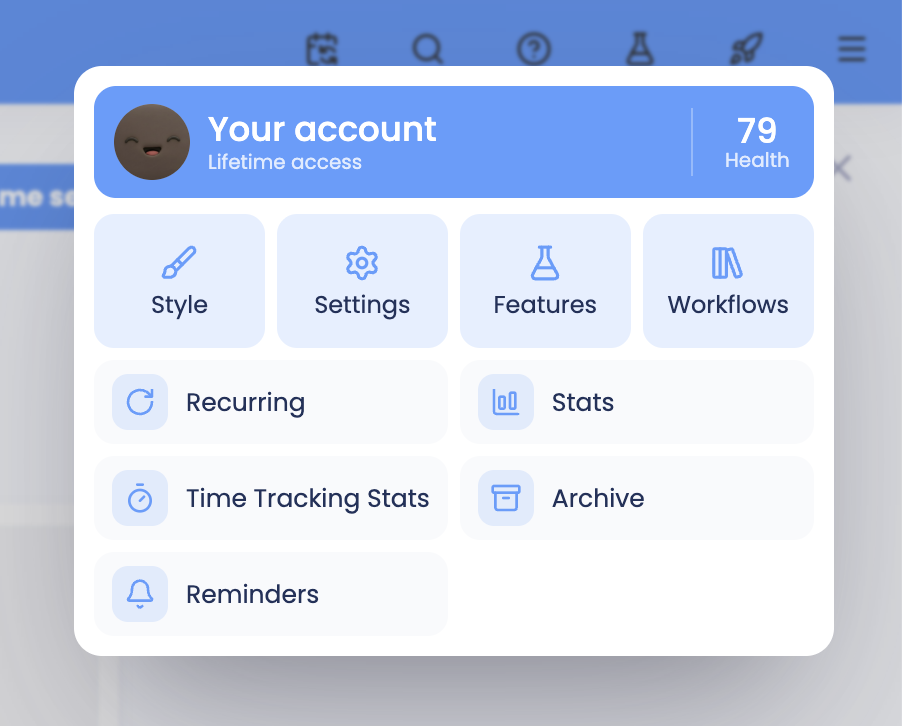
Press "S" on your keyboard from anywhere to get to the features.
Or use the main menu in the skinny sidebar to open the features page.
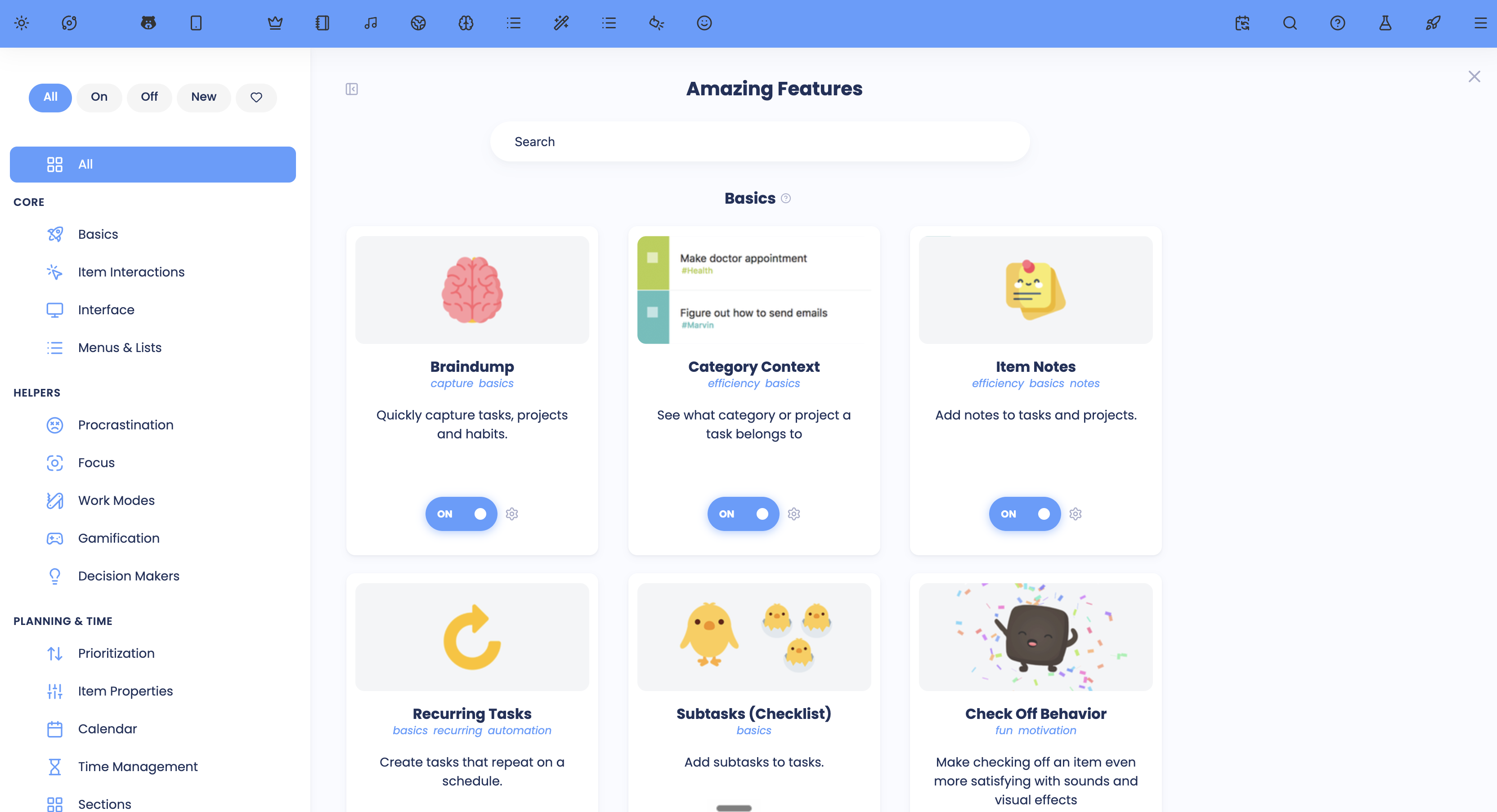
Each feature is displayed as a card in a grid.
You can click the card to learn more about the feature, change any settings about how it functions and how you can access it.
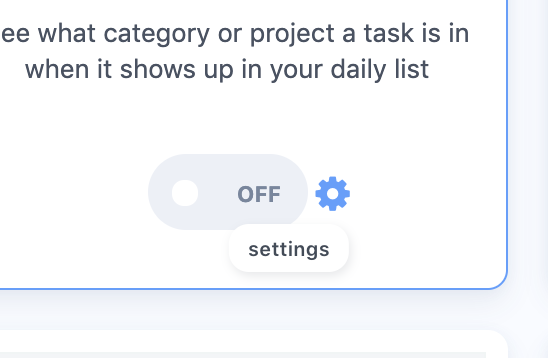
The features with settings have a little cog icon next to the on/off button so you can quickly get to the settings.
How to learn more about a feature
Click on the card to read more about the feature. Each feature has a description and many have a video too (working on videos for all features!) .
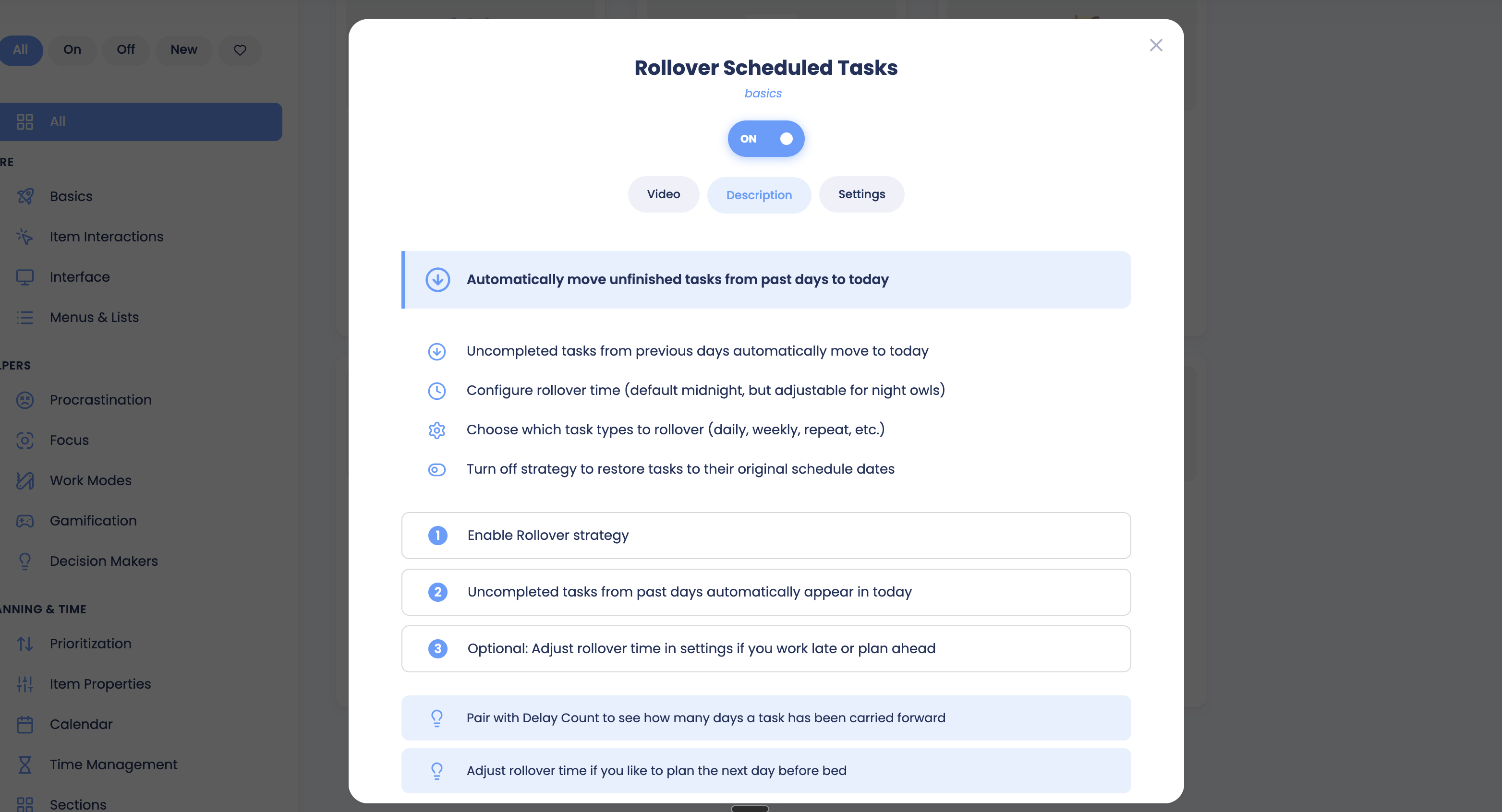
For each card there is a link to the help center article with details on how to use the feature.